
Text to Speech Converter – The Ultimate Free Tool to Convert Text into Natural Voice Instantly
In this article
- What Is a Text-to-Speech Converter?
- How Text-to-Speech Technology Works
- Why Use a Free Text to Speech Converter?
- Why Choose FreeToolConvert Text-to-Speech Tool?
- How to Convert Text to Speech Online (Step-by-Step Guide)
- Features of FreeToolConvert Text-to-Speech Converter
- Text to Speech for Students
- Text to Speech for Content Creators
- Text-to-Speech for Businesses
- Text-to-Speech for Developers
- Text-to-Speech for Accessibility
- SEO Benefits of Text-to-Speech
- Text-to-Speech vs Audiobooks
- Common Use Cases of Text-to-Speech
- Best Practices for Using TTS
- Common Mistakes to Avoid
- Mobile-Friendly Text-to-Speech
- Advanced Features of FreeToolConvert
- Text-to-Speech vs Manual Recording
- Future of Text-to-Speech Technology
- Security & Privacy
- Conclusion
- Convert Text to Speech Instantly
Text to Speech Converter- In today’s fast-evolving digital world, accessibility, multitasking, and content consumption habits are changing rapidly. People no longer rely only on reading — they prefer listening to content while working, traveling, or relaxing.
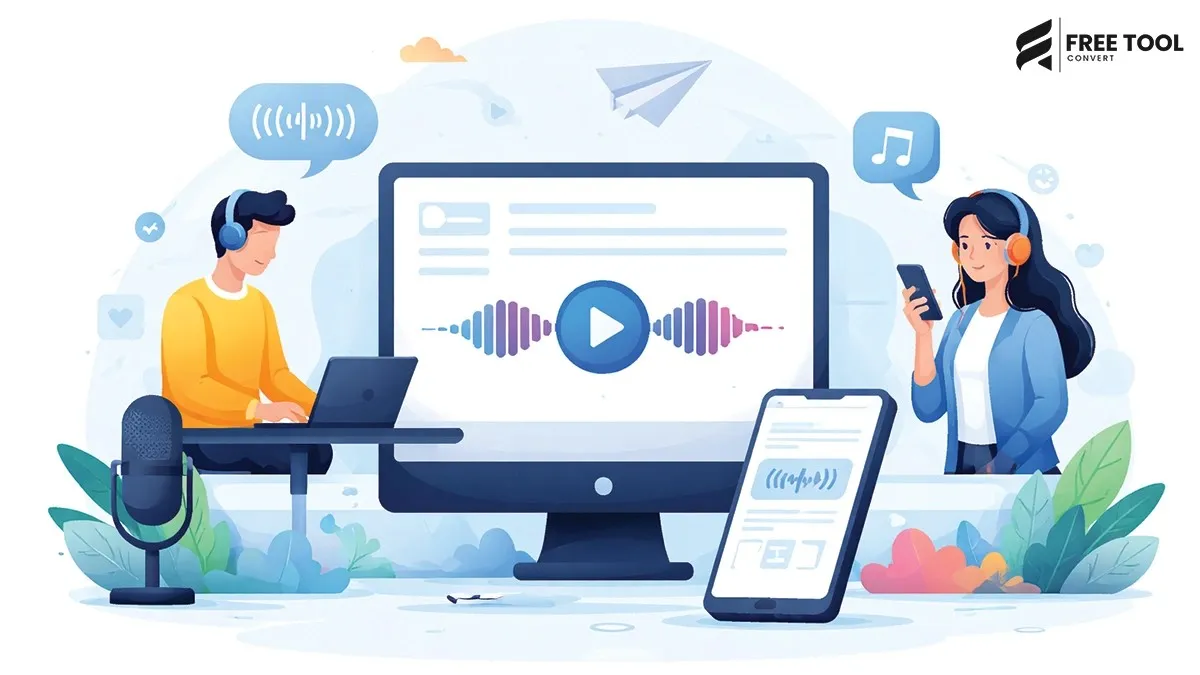
This is where a Text to Speech Converter (TTS) becomes an essential tool.
With FreeToolConvert’s Text to Speech Converter, you can instantly convert written text into natural-sounding audio—completely free, fast, and without installing any software.
Whether you're a student, content creator, business professional, or developer, this tool allows you to transform text into speech effortlessly.
What Is a Text-to-Speech Converter?
A Text-to-Speech Converter (TTS) is a tool that converts written text into spoken audio using artificial intelligence and speech synthesis technology.
Using FreeToolConvert Text-to-Speech Tool, you can:
- Convert text into voice instantly
- Choose different voice styles
- Generate audio output
- Listen or download speech
- Improve accessibility
How Text-to-Speech Technology Works
Text-to-Speech systems use:
- Natural Language Processing (NLP)
- AI voice synthesis
- Phonetic analysis
- Speech generation algorithms
The process:
- Input text
- Analyze language structure
- Convert text into phonemes
- Generate natural audio
Modern TTS tools produce human-like voices.
Why Use a Free Text to Speech Converter?
Here are the top benefits:
1. Accessibility
Helps visually impaired users access content.
2. Multitasking
Listen to content while doing other tasks.
3. Time Saving
Consume information faster.
4. Content Repurposing
Convert blogs into audio.
5. Learning Enhancement
Improves understanding and retention.
Why Choose FreeToolConvert Text-to-Speech Tool?
FreeToolConvert TTS Converter offers:
- 100% free usage
- Instant text-to-audio conversion
- Natural-sounding voices
- No login required
- Secure processing
- Mobile-friendly interface
- Fast performance
- Download audio option
It is one of the best tools to convert text to speech online free.
How to Convert Text to Speech Online (Step-by-Step Guide)
Step 1: Open Text-to-Speech Tool
Access FreeToolConvert in your browser.
Step 2: Enter Your Text
Paste or type your content.
Step 3: Select Voice (if available)
Choose preferred voice style.
Step 4: Click Convert
Generate speech instantly.
Step 5: Listen or Download
Play audio or save it.
Features of FreeToolConvert Text-to-Speech Converter
- Instant voice generation
- Natural AI voices
- Multiple language support
- Copy and paste functionality
- Audio playback
- Download option
- Secure and private
Text to Speech for Students
Students use TTS tools to:
- Listen to study material
- Improve pronunciation
- Learn faster
- Revise content
Text to Speech for Content Creators
Creators use it to:
- Convert blogs into audio
- Create podcasts
- Generate voiceovers
- Improve engagement
Text-to-Speech for Businesses
Businesses use TTS for:
- Customer support automation
- Voice-based content
- Marketing audio
- Training materials
Text-to-Speech for Developers
Developers use TTS to:
- Build voice-enabled apps
- Test accessibility features
- Integrate speech APIs
Text-to-Speech for Accessibility
TTS is crucial for:
- Visually impaired users
- Dyslexia support
- Language learning
- Inclusive design
SEO Benefits of Text-to-Speech
While TTS does not directly affect rankings, it improves:
1. User Engagement
Audio content keeps users longer on site.
2. Accessibility Signals
Improves UX for diverse users.
3. Content Repurposing
Convert text into audio content.
4. Lower Bounce Rate
Engaging content retains visitors.
Text-to-Speech vs Audiobooks
| Text-to-Speech | Audiobooks |
| AI-generated | Human narration |
| Instant | Pre-recorded |
| Customizable | Fixed |
TTS is more flexible.
Common Use Cases of Text-to-Speech
- Reading articles aloud
- Language learning
- Voiceovers
- Accessibility tools
- Customer service bots
- Podcast creation
Best Practices for Using TTS
- Use clear and simple text
- Avoid complex sentences
- Choose appropriate voice
- Test audio output
- Use punctuation properly
Common Mistakes to Avoid
- Using unclear text
- Ignoring punctuation
- Choosing wrong voice tone
- Overloading long text
Mobile-Friendly Text-to-Speech
FreeToolConvert allows:
- Convert text on mobile
- Listen instantly
- Download audio
Advanced Features of FreeToolConvert
- Fast processing
- Clean interface
- High-quality audio
- Secure usage
- No watermark
Text-to-Speech vs Manual Recording
| TTS Tool | Manual Recording |
| Instant | Time-consuming |
| Free | Costly |
| Scalable | Limited |
TTS is faster and more efficient.
Future of Text-to-Speech Technology
With AI advancements:
- Human-like voices
- Emotion-based speech
- Multi-language support
- Real-time translation
- Voice cloning
Security & Privacy
FreeToolConvert ensures:
- No data storage
- Secure processing
- Privacy protection
Conclusion
A Text-to-Speech Converter is a powerful tool that enhances accessibility, productivity, and content consumption. Whether you're a student, creator, developer, or business — converting text into speech opens new possibilities.
With FreeToolConvert Text-to-Speech Tool, you can generate high-quality audio instantly — completely free and easy to use.
If you want to make your content more engaging, accessible, and versatile — start using a free text-to-speech converter today.
Frequently Asked Questions (FAQs)
1. What is a text-to-speech converter?
A tool that converts text into spoken audio.2. Is FreeToolConvert TTS free?
Yes, completely free.3. Can I download audio?
Yes, download option is available.4. Does it support multiple languages?
Yes, depending on the tool.5. Is my data secure?
Yes, no data is stored.6. Can I use it on mobile?
Yes, fully compatible.Convert Text to Speech Instantly
Ready to turn text into voice?
👉 Open FreeToolConvert Text-to-Speech Tool
👉 Paste your text
👉 Generate audio instantly
👉 Listen or download
Start using the free text-to-speech converter online today and bring your content to life effortlessly!