
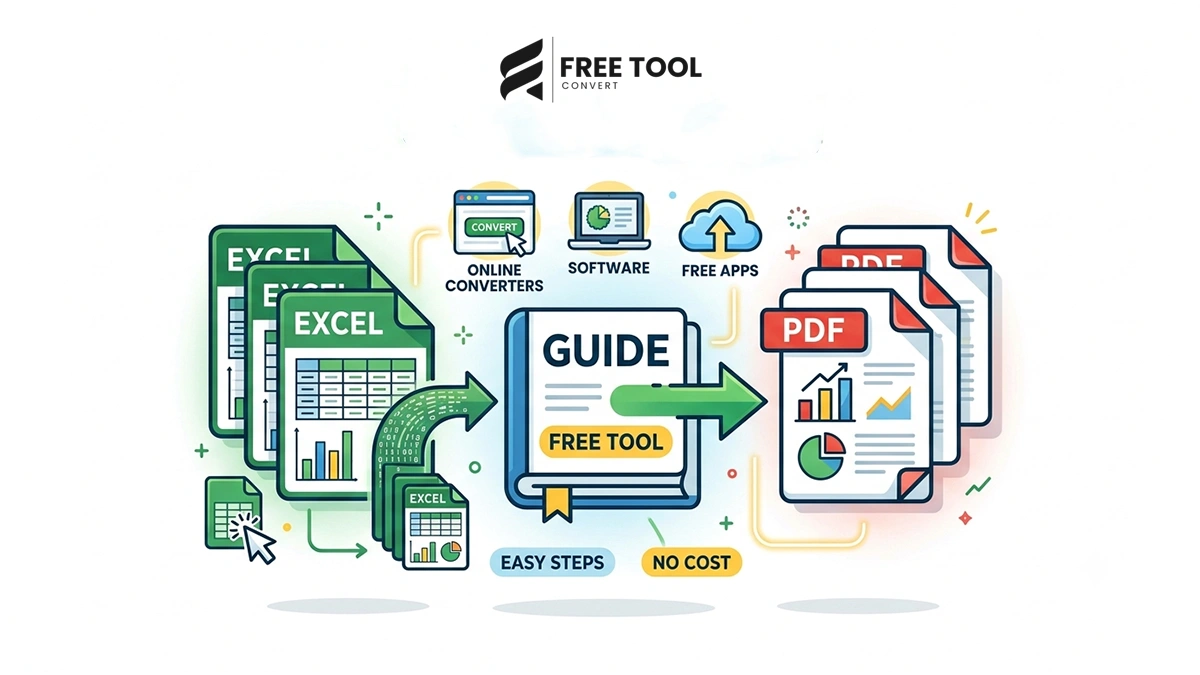
How to Convert Excel to PDF: Excel files are widely used for data management, financial reports, invoices, and analytics. However, sharing Excel files directly can sometimes cause issues:
- Formatting changes across devices
- Editable data (not secure)
- Compatibility problems
- Printing inconsistencies
This is why converting Excel to PDF is a smart solution.
A PDF file preserves formatting, ensures consistency, and looks professional on all devices.
With a free Excel to PDF converter, you can convert your spreadsheets instantly without installing any software.
Table of Contents
What Does Excel to PDF Conversion Mean?
Converting Excel to PDF means transforming your spreadsheet into a fixed-layout document that:
- Maintains formatting
- Preserves charts and tables
- Prevents editing
- Is easy to share
Why Use an Online Excel to PDF Converter?
Here’s why online tools are the best option:
No Installation Required
Works directly in your browser.
Fast & Easy
Convert files in seconds.
Works on All Devices
Windows, Mac, Android, iOS.
Secure Processing
Files are encrypted and deleted automatically.
Free to Use
No subscription needed.
Why Choose FreeToolConvert Excel to PDF Tool?
FreeToolConvert Excel to PDF Converter offers:
- 100% free usage
- High-quality conversion
- Preserves formatting
- Fast cloud processing
- No watermark
- Secure file encryption
- Mobile-friendly interface
- No signup required
It is one of the best tools to convert Excel to PDF online free.
How to Convert Excel to PDF (Step-by-Step Guide)
Step 1: Open Excel to PDF Tool
Go to FreeToolConvert Excel to PDF converter.
Step 2: Upload Excel File
Drag and drop or select your file.
Step 3: Adjust Settings (Optional)
Choose page orientation or layout.
Step 4: Click Convert
The tool processes your file instantly.
Step 5: Download PDF
Save your converted file.
Key Features of Excel to PDF Converter
- High-quality conversion
- Preserves layout and formatting
- Supports large files
- Fast processing
- Secure encryption
- No watermark
Benefits of Converting Excel to PDF
Fixed Layout
No formatting changes.
Easy Sharing
Works on all devices.
Professional Appearance
Perfect for reports and presentations.
Data Security
Prevents editing.
Excel to PDF for Different Users
Students
- Submit assignments
- Share reports
Professionals
- Create business reports
- Share financial data
Businesses
- Generate invoices
- Share documents securely
Accountants
- Convert financial sheets
- Maintain records
Excel vs PDF – Key Differences
| Excel | |
| Editable | Non-editable |
| Dynamic | Fixed layout |
| Requires software | Universal access |
| Complex formatting | Clean presentation |
Best Practices for Excel to PDF Conversion
- Format Excel file properly
- Adjust page layout before conversion
- Check print area
- Use landscape for wide sheets
- Preview before converting
Common Mistakes to Avoid
- Not setting print area
- Ignoring page breaks
- Poor formatting in Excel
- Using unreliable tools
Excel to PDF for SEO & Business
While PDFs don’t directly impact SEO rankings, they help:
- Improve user experience
- Share documents easily
- Maintain professional presentation
- Increase engagement
Mobile-Friendly Conversion
FreeToolConvert allows:
- Convert Excel on mobile
- Upload and download easily
- No app required
Security & Privacy
FreeToolConvert ensures:
- Secure TLS encryption
- No data storage
- Automatic file deletion
- Safe cloud processing
Advanced Features (If Available)
- Batch conversion
- Page selection
- Custom layout options
- Cloud processing
Future of File Conversion Tools
With AI advancements:
- Smart formatting detection
- Automated layout adjustment
- Faster processing
- Multi-format conversion
Conclusion
Converting Excel to PDF is essential for sharing, presenting, and securing your data. It ensures your files look professional and consistent across all devices.
With FreeToolConvert Excel to PDF Converter, you can convert files instantly, securely, and completely free.
If you want fast, reliable, and high-quality conversion — start using a free Excel to PDF tool today.
Frequently Asked Questions
Can I convert Excel to PDF for free?
Yes, using FreeToolConvert.
Does conversion affect formatting?
No, formatting is preserved.
Is it safe to convert files online?
Yes, files are encrypted and deleted.
Can I use it on mobile?
Yes, fully compatible.
Do I need software?
No, it works online.
Can I convert large files?
Yes, depending on tool limits.
Convert Excel to PDF Instantly
Ready to convert your spreadsheet?
Open FreeToolConvert Excel to PDF Tool
Upload your Excel file
Convert instantly
Download your PDF
Start using the free Excel to PDF converter online today and share your documents effortlessly!