
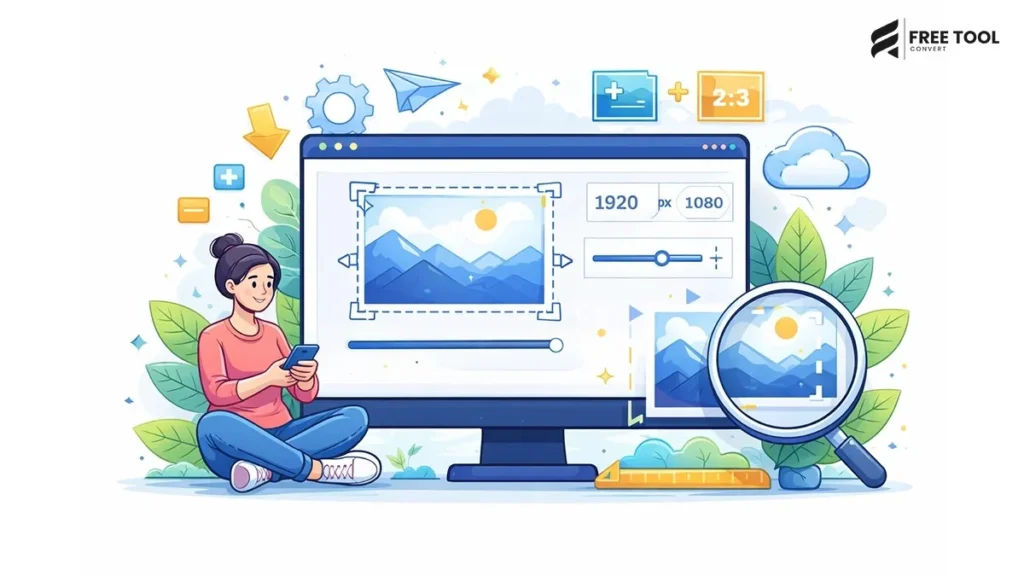
Introduction: Why Image Resizer online Is Critical in the Digital Era
In this world where content is king, images are to be found everywhere, on websites, eCommerce stores, blogs, social networks, advertisements, PowerPoints, and mobile apps. But putting the wrong size images on a site can slow down the site, create broken layouts, and slow down page load times.
This is where an image resizer becomes a necessity.
Use an efficient online image resizer to resize your images without losing quality. Rescale the image online for web use, Instagram, Facebook, email, and print. Use a good online image resizing tool and get your images looking great.
Table of Contents
Defining What an Image Resizer Is:
An image resizer is an application that alters the dimensions of length and width of any image, whether to increase the size or to make it smaller, without hampering the visual quality of the image. This tool can be used to:
- Resize JPG images
- Resize PNG images
- Resize WebP images
- Modify image resolution.
- Keeping the aspect ratio
- Prepare images for web or social media
- Optimize the size of images.
Resizers that work directly on your browser—no software you need to install.
Significance of Image Resizing
Resizing images isn‘t only about making images smaller or larger; there are performance, presentation, and SEO implications.
1. Faster Website Loading
Oversized images are slowing down pages.
2. Improved SEO Performance
Google places a strong emphasis on media optimization.
3. Better User Experience
Proper size of images is one of the things that improves visual layout.
4. Reduced Bandwidth Usage
Larger images can significantly increase hosting and CDN costs. Smaller images decrease hosting and CDN costs.
5. Social Media Compatibility
There are certain image sizes for every platform.
Image Resizing vs Image Compression
Many people confuse resizing with compression.
| Image Resizer | Image Compressor |
| Changes dimensions | Reduces file size |
| Affects width/height | Affects data size |
| Improves layout | Improves speed |
| Maintains clarity | Slight quality loss possible |
Using both together gives maximum optimization.
How Image Resizing Works
Image resizing adjusts pixel dimensions:
- Loses or even gains width
- Height decreases or increases
- Preserves aspect ratio
- Avoids distortion
- Resampling pixels with intelligence
More sophisticated tools implement interpolation algorithms to keep the text clear even when enlarged.
How to Resize Images Online (Step-by-Step Guide)
Using an online image resizer is simple:
Step 1: Upload Your Image
Click and drag to drop JPG, PNG, and WebP files.
Step 2: Set Custom Dimensions
Specify the width and height you want to set.
Step 3: Maintain Aspect Ratio (Optional)
Enable lock so as to avoid distortion.
Step 4: Resize
Press the resize button.
Step 5: Download Resized Image
Quickly save your optimized image to disk.
No installation is necessary.
Supported Formats in Image Resizing
A professional image resizer supports:
- JPG resize
- PNG resize
- WebP resize
- GIF resize
- Resizing BMP, JPEG.
Multi-format compatibility, You can use the unit in many different formats.
Image Resizer for Website Owners
Website owners resize images to:
- Match website layout
- Optimize hero images
- Enhance the Food Display
- Page de vitesse blogs
- Include responsive design
- Proper image size improves UX.
Image Resizer for Social Media
Every social media platform has specific size requirements:
- Tweet: 1024×1024
- Facebook cover: 820×312
- 2000×500 Twitter headers:
- LinkedIn banner: 1584×396
- YouTube thumbnail: 1280X720
An image resizer makes sure you have the right size.
Image Resizer for eCommerce Stores
Online stores resize images to:
- Standardize product image sizes
- Keep a consistent format.
- Page speed enhancement
- Improve shopping experience from smartphone!
- Increase conversions
Consistent image size adds to professional presentation.
Maintaining Quality While Resizing
To maintain image quality:
- Do not oversize small images
- Save as PNG, fill pages, maintain aspect ratio.
- High-resolution source image:
- Select smart resizing algorithms.
- Don‘t resize too often
- Professional tools are designed to bring about, not distort.
- Common Mistakes in Image Resizing
- Stretching images (ignoring aspect ratio)
- Enlarging low-quality images
- Incorrect format
- Not optimizing file size after resize
- Ignoring responsive design
- Always preview before the final download.
Image Resizer for Designers
Designers use image resizing tools for:
- logo scaled to save file; scaled to elements.
- Banner resizing
- Creating thumbnail
- Portfolio optimization.
- Marketing graphics: These are leaving the building.
Resizing for precision can, as a side effect, increase the visual consistency.
Image Resizer for Bloggers
Bloggers resize images to:
- Content width: the width of the content area (the ‘pace’ of the software).
- Enhance loading time
- Keep visual identity Maintain the aesthetic unity.
- Improve SEO ranking
- Optimize readability for mobile
Images that are optimized are better for your reader‘s experience.
Image Resizer for Developers
Developers resize images to:
- Match CSS layout
- Decreasing the pace of the server.
- Performance indicators should be improved.
- Optimize for different screen sizes
Resizing will optimize the technical point of view.
Advanced Features in Modern Image Resizers
Modern tools provide:
- Resizing as a percentage:
- Predefined sizes of social media networks
- Batch resizing
- Drag-and-drop interface
- Preview in time
- Cloud processing
- Enhancement, at the hands of AI The task of enhancement involves the application of some index on the data, which ranks the instances according to their relevance or predictiveness. This process of application of the index is known as scoring, by executing a number of scoring iterations over the dataset.
- Mobile Image Resizing
- Modern image resizer tools allow resizing photos from mobile gallery
- Optimize prior to uploading for social media
- Just share the images you’ve resized.
- Lowering the resolution while asleep from the screen.
Mobile-friendly makes it easier for people to be on the go.
Security in Online Image Resizing
Choose tools that:
- Use HTTPS encryption
- Auto, delete files (also called search)
- Refrain from storing user data
- Offer secure cloud processing
- Image upload and privacy. Privacy matters.
Conclusion
An image resizer is an essential application for anyone working in digital in today‘s world. From web designers and online vendors to tweetophiles and marketing teams, resizing images is crucial for good presentation.
Incorrect image dimensions may also lead to slower websites, compromised layouts, and diminished SEO rankings. You can use a professional online image resizer and change the width and height of your digital images to ensure sharpness and coherence.
Image resizing is an essential tool to optimize a website, whether it‘s for improving Core Web Vitals, optimizing mobile performance, or boosting visual attractiveness.
If you want faster websites, enhanced user experience, and more effective SEO, , begin to resize your images correctly now.
Frequently Asked Questions (FAQs)
1. Does resizing reduce image quality?
If done well and not too magnified, quality will be good.
2. What is the best size for website images?
Usually runs from about 1200px to 1600px wide depending on the layout.
3. Can I resize images without losing quality?
Yes, especially with the reduction of dimension.
4. Is image resizing good for SEO?
Yes, page speed and Core Web Vitals are improved.
5. Can I resize multiple images at once?
Batch resize tools are plentiful.
6. Is image resizing free?
A number of online image resizer tools are payable.
Resize Images Instantly
Beginning to be optimized?
Upload your image.
Set custom width and height.
Maintain the aspect ratio and quality.
Download the resized image instantly and securely.
Begin using the Image Resizer now to enhance your website‘s performance with ease.