Free Tool Convert

Author name: Harshita Srivastava

Free PDF Unlocker Online - Unlock Password Protected PDF Files Online for Free | Free Tool Convert
Blog

Free PDF Unlocker Online – Unlock Password Protected PDF Files Online for Free | Free Tool Convert

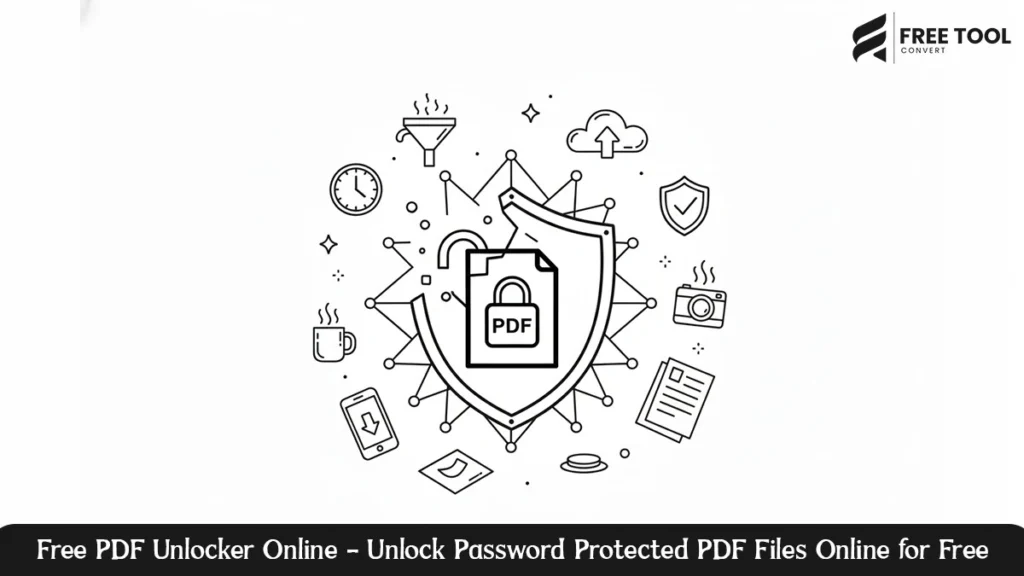
Free PDF Unlocker Online: Protecting confidential data using password-protected PDF files is a must, but the problem is also associated with times when you need legitimate access to the files. Losing passwords or being denied editing or printing privileges could slow down work. The PDF Unlocker offered by Free Tool Convert is an expedient, secure, and trustworthy method to unlock PDF files. This specialized tool is developed with the intention of being convenient and secure, helping the user to efficiently eliminate the password protection feature from their PDF files using the browser. This detailed guide provides an in-depth explanation of the Free Tool Convert PDF Unlocker functionality, capabilities, advantages, and reasons why this PDF utility is the most trusted PDF unlocker solution available on the Internet. What Is a PDF Unlocker? PDF Unlocker is an online tool used for removing the password security protection and use restrictions from the PDF files. The restrictions may cover the following areas: The unlocking of a PDF file allows the user to have control of the file for genuine purposes. Why choose our Free PDF Unlocker: Free Tool Convert Free Tool Convert remains committed to its simplicity, security, and speed, key factors to consider while dealing with secured documents. 1. Simple & User-Friendly Interface The PDF Unlocker is intended to work well with anyone. Just upload the PDF, unlock it, and you’ll instantly have the unlocked PDF ready to download. 2. No Software Installation The program operates fully online. There is no requirement to download any software to either your computer or to use a web extension. 3. Fast PDF Unlocking Highly optimized processing is used to ensure quick removal of PDF restrictions, even in the case of larger files. 4. Preserves Original Quality The text clarity, formatting, images, and page layout are preserved even after the activation of the tool. 5. Free to Use Unlock PDF files online for free without any need for registration, payment, or hidden costs. Key Features of Free Tool Convert PDF Unlocker Remove PDF Password Protection Unlock PDFs that are restricted by owner passwords and usage permissions. Restore Editing & Printing Access Enable copying, printing, and editing of previously restricted PDF files. Browser-Based Processing Functions from within your browser without additional software. Cross-Platform Compatibility Works on Windows, macOS, Linux, Android, and iOS systems. Secure File Handling Data is handled safely and self-deletes after file unlocking. How to Unlock PDF files Using Free Tool Convert Unlocking the PDF file takes mere minutes: Who Can Benefit from an Online PDF Unlocker ? Students & Educators Business Professionals Legal & Financial Teams Freelancers & Creators Administrative & Government Offices What are the advantages of using Online PDF Unlocker An online PDF unlocker like Free Tool Convert has several advantages to offer: Why Free Tool Convert PDF Unlocker Stands Out While many tools promise PDF unlocking functionality, Free Tool Convert focuses on providing a user-friendly, secure, and reliable platform. What makes it different: Security & Privacy Assurance The Free Tool Convert service adheres to the following rigid security measures when it comes to protecting: Conclusion The Free Tool Convert PDF Unlocker is a safe, secure, and user-friendly way to remove PDF password online. This software helps remove restrictions to editing or printing protected PDFs or to unlock other documents you may have. There are no installation requirements, no charges are involved, and the tool prioritizes privacy, making it one of the best PDF unlockers available in the free category presently. For anyone seeking a reliable PDF unlocker solution, Free Tool Convert PDF Unlocker can prove to be the best choice. Frequently Asked Questions – Free PDF Unlocker Online
Free PDF Password Protector - Protect your PDF files with robust encryption | Free Tool Convert
Blog

Free PDF Password Protector – Protect your PDF files with robust encryption | Free Tool Convert

Free PDF Password Protector: In the modern world, where digital document transfer is common, the need to protect confidential information in those documents cannot be overemphasized. PDF files, in this case, contain sensitive information such as financial details, legal documents, business reports, contracts, or private details that, if not guarded properly, can be accessed, reproduced, or misused. The PDF Password Protector from Free Tool Convert provides an efficient means of securing PDF documents with a password using an online service. This service provides users with an efficient means of encrypting their PDF files, preventing unapproved access, and having control of their files when using no software or creating an account. Below is a comprehensive guide that explains the Free Tool Convert PDF Password Protector working mechanism, its pivotal elements, advantages, uses, and reasons why it is considered the best available software to protect your PDF files online. What is a PDF password protector? PDF Password Protector is a utility that allows encrypting a PDF document with passwords. Once protected, the document can only be opened, viewed, or modified by users who possess the correct password. The goal of the above is to avoid unauthorized access and maintain data confidentiality. Password-protected PDFs are used to: Why should I use Free Tool Convert PDF Encryption Tool? Free Tool Convert is designed to be simple, safe, and fast, which are three crucial elements that must be considered in the protection 1. Simple & User-Friendly Interface It is designed for easy usability. You simply upload your PDF file, provide it with a password, and download your protected PDF in mere clicks. 2. No Installation Required PDF Password Protector runs exclusively in the cloud. There is no requirement to download or install software. 3. Fast PDF Encryption Techwithme. Advanced processing guarantees a quick application of password protection when working with large PDF files. 4. Strong Document Security PDF files are secured using password encryption. 5. Entirely Free to Use Free online protection for PDF files—no sign-up required. No charges. No hidden costs. Main Features of the PDF Password Protector from Free Tool Convert How to Secure PDF documents Using Free Tool Convert Protection of a PDF file is fast and easy: Who Should Use a PDF Password Protector? Business Professional Legal & Financial Teams Students & Educators Freelancers & Creators Administrative & Government Offices Advantages of Password-Protecting PDFs When There are many benefits of using online PDF password protection services: Free Tool Convert combines all these features into one handy tool. Why Free Tool Convert PDF Password Protector is Outstanding While many tools offer Encrypt PDF file, Free Tool Convert provides the best balance of usability, security, and dependability. What sets it apart: Security & Privacy Assurance Free Tool Convert abides by all the security practices in order to give assurance to its users that their data will be protected. Conclusion – Protect PDF with Password The Free Tool Convert PDF password protection tool is a powerful, secure, and user-friendly way to provide protection for PDF documents online. Be it business documents, personal files, or confidential records, this tool enables you to set password protection with speed and reliability.  Indeed, it requires no installation, has no price tag attached to it, and gives huge importance to privacy, thus standing out as one of the best free PDF password protection tools in the present market. If you are in search of a reliable means to lock your PDFs, Free Tool Convert PDF password protection tool might be the best thing for you. Frequently Asked Questions- Free PDF Password Protector

Free PDF to JPG Converter – Convert PDF to Image Online Instantly | Free Tool Convert
Blog

Free PDF to JPG Converter – Convert PDF to Image Online Instantly | Free Tool Convert

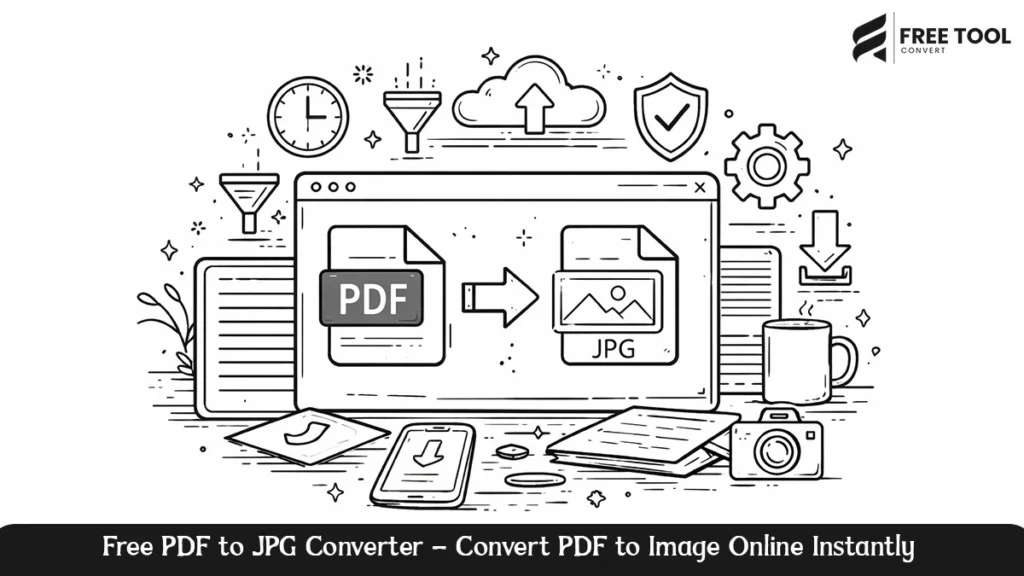
Free PDF to JPG Converter: In the current digital era, it has become increasingly important to consider compatibility and ease of access. Although it might be the case that PDF files are perfect if you want to maintain the same format, it is not always easy or convenient if you want to share or upload them to a site that accepts image formats. This is why a PDF-JPG converter becomes useful. The Free Tool Convert PDF to JPG Converter is a convenient, safe, and effective way for quickly converting PDFs into high-quality JPGs using an online service. Whether you need to remove pages from a PDF and save them in image format, share PDFs on social media sites, add visual graphics for a website, or save PDFs in an image format, Free Tool Convert gets the job done. What is the purpose of Free PDF to JPG converter online? A PDF to JPG converter is an online software tool that converts the pages of a PDF document to image files in JPG format. Every page of the PDF is extracted as an individual image in JPG format. This conversion can be especially useful in: In the case of Free Tool Convert, everything takes place through the internet without requiring software installation or know-how. Reasons to Convert PDF to JPG: On one hand, PDFs are very effective in maintaining document integrity, but images in JPG are very versatile. Converting a file from PDF to JPG can be very beneficial in the following ways: 1. Universal Compatibility JPG format supports all devices, browsers, OS, and platforms. The converted images can be easily accessed without the need for specialized readers. 2. Easy Sharing Images are more shareable via messaging platforms, social networking sites, and emails when the recipients may not necessarily have a preference for PDFs. 3. Website and CMS Friendly Most of the content management systems and website hosting tools support image files rather than document files. JPG images work really well with blogs, landing pages, and product pages. 4. Visual Presentation The JPG format makes it possible to have previews and references to the images without the need to scroll through the document. 5. Small file size In comparison to PDFs, JPGs are normally much smaller in file size; hence, the advantages of quick upload and download. Characteristics of Free Tool Convert PDF to Image Converter Please find the key capabilities of the Free Tool Convert PDF to JPG converter in the list below: High-Quality Conversion from PDF to JPG Format Every page in the PDF file is then converted to a high-resolution JPG picture. Fast Online Processing Additionally, the conversion process is designed to work quickly so that users are able to convert files in seconds. File Security Handling The files that are uploaded are processed in a secure manner and are not retained in any way. Responsive Design Works on all Devices It is a completely online tool and runs seamlessly on desktop computers, laptops, tablets, and mobile phones. No Technical Skills Are Required The high-quality interface ensures that a novice can use this tool for PDF to JPG conversion. How to Convert PDF to JPG Online Using Free Tool Convert Converting your PDF document into JPG images only requires several easy steps: Requirements are not difficult to adjust, and there are no complicated settings needed. Which Group of People Will Benefit Most From a PDF to JPG Converter? PDF to JPG Converter is an excellent tool for various types of users, such as: Students Turn study materials, notes, and homework into image formats that are easy to share. Business Professionals Share bills, reports, presentations, and scans as images for quicker sharing. Designers and Marketers Remove PDF graphics and pull them out as JPG images for websites and advertising. Teachers and Educators Develop picture-based learning aids that are easy to share and display on any device. Content Creators Use JPG image files in blogging, presentations, and publishing content on sites without compatibility problems. Advantages of Using an Online PDF to JPG Converter The most compelling reasons for choosing an online PDF to JPG converter over offline software include: Free Tool Convert condenses all these benefits into one smooth approach. Why Free Tool Convert for Converting PDF to JPG? There are dozens of methods to convert files to the PDF format, and while Free Tool Convert isn’t the only option that’s free, it’s certainly the most straightforward and reliable option, focuses on simplicity, speed, and reliability. The principal reasons to select the free tool Convert are Whether it is for converting individual pages or multi-page files, this tool is sure to provide accurate conversion each and every time. Use Cases for PDF to JPG Converter Uploading documents onto websites that support only image uploads: The mailability of JPG images makes the process of converting between formats useful. Conclusion Free Tool Convert PDF to JPG Converter is an efficient, convenient, and easy-to-use option for any person who needs to convert PDF files to high-quality images in JPG format. Such software solves the problem of compatibility and, therefore, helps with productivity. As a student, professional, teacher, or content creator, having the ability to convert PDFs to JPG images enables you to work more efficiently and deliver your message more effectively. Based upon its rapid processing capabilities, secure processing mechanisms, and accurate delivery results, Free Tool Convert is the complete solution for the best PDF to JPG conversion service.  Frequently Asked Questions – Free PDF to JPG Converter

Free TXT to PDF Converter Online - Convert Text Files to PDF Online Instantly | Free Tool Convert
Blog

Free TXT to PDF Converter Online – Convert Text Files to PDF Online Instantly | Free Tool Convert

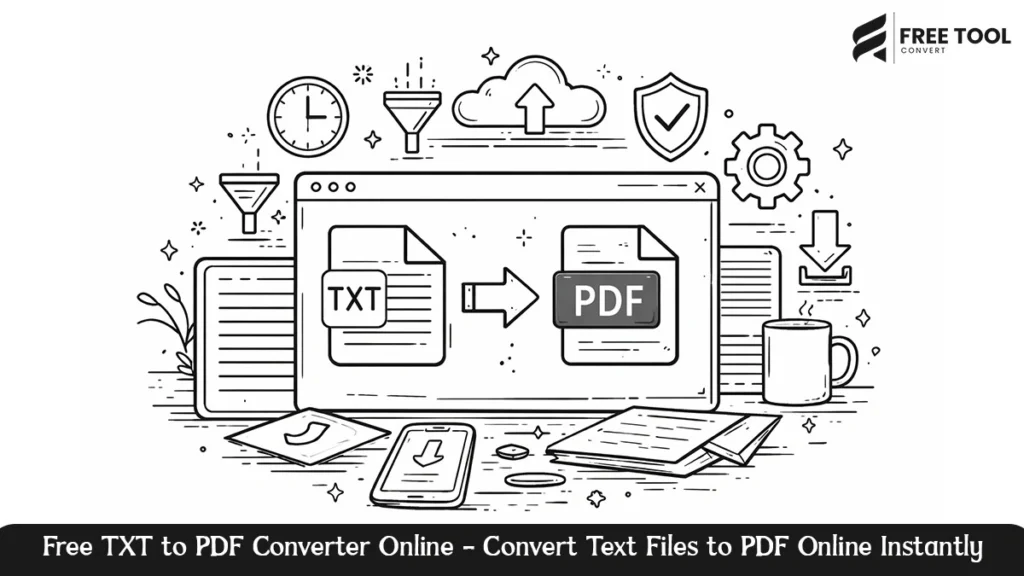
Free TXT to PDF Converter Online: TXT files are quite common for storing raw data, notes, logs, and basic text documents. But the thing is, TXT files are unformatted, unstructured, and unprofessionally presented. If you have to share, store, and distribute text data in a secure and widely accepted manner, converting TXT to PDF is necessary. The Free Tool Convert TXT to PDF Converter is an effective, dependable, and safe tool to convert TXT files to high-quality PDFs online in no time. Whether it be for academic or professional purposes or personal use, for that matter, it enables you to convert TXT files to highly professional-looking PDFs in mere seconds without installing any software at all. What Is a TXT to PDF Converter? A TXT to PDF converter is an online application that is capable of translating a .txt file into a PDF document. This online utility is able to translate the .txt file into a PDF document and make it easy to print, view, and access on any device. TXT files are simple and lightweight files; they are not best suited for the following: Why Convert TXT to PDF? There are a number of reasons why converting TXT files into PDF format is valuable: 1. Universal Accessibility PDF files can easily be opened on all devices and operating systems without any formatting problems. PDF files, unlike TXT files, look the same everywhere they are opened. 2. Professional Presentation PDFs have a cleaner, more professional look that can be used for many applications, including reports, documents, manuals, and official files. 3. Easy Sharing PDF files are more easily distributed through emails or cloud storage solutions. PDF file formats are beneficial in many ways. Firstly, PDF files are easily searchable.  4. Print-Ready PDFs are optimized for printing, with uniform margins, layout, and text alignment. 5. File Security and Integrity PDF files are less susceptible to being edited by mistake, keeping the original structure intact. Characteristics of Free Tool Convert Text to PDF converter The Free Tool Convert TXT to PDF converter has been built with the intention of providing simplicity, speed, and accuracy. It has the following features: Quickly Convert TXT to PDF Files TEXT files are converted to PDF instantly without any delays, no matter what size the TXT files are. Purified and Precise Results It also makes sure that readable text is laid out, spaced, and formatted properly within the PDF. Online Secure Processing Files are processed online in a secure way and not stored in any way, ensuring the privacy of users. Works on All Devices The converter is fully browser-based and works on computers, laptops, and other handheld devices. No Technical Knowledge is Required The interface is user-friendly and can be used easily to convert TXT to PDF. How to Convert from TXT to PDF Using Free Tool Convert Converting from a TXT to PDF format takes only seconds: There are no changes required in configuration or formatting. This saves time. Who Should Use a TXT to PDF Converter? A TXT to PDF converter is beneficial for all kinds of users: Students Turn notes, homework, or any other study materials into PDF files to be able to submit them. Authors and Content Writers Turn pre-written content or manuscripts into PDFs for distribution or preservation. Application and Game Developers Logs, configurations, and documents in TXT format will be converted to PDF. Business Professionals Generate professional documents from .txt files for internal communication and client output. Educators and Trainers Turn lesson notes and contents into PDF files for dissemination through devices. Advantages of Using an Online Converter for TXT to PDF Using an online converter such as TXT to PDF can have many benefits over using a desktop application: Free Tool Convert brings all these advantages together in one online solution. Typical Use Cases of TXT to PDF Format Conversion The above use cases emphasize the importance of converting TXGs to PDF format in both personal and professional environments. Why Choose Free Tool Convert for TXT to PDF Conversion? Free Tool Convert focuses on simplicity, reliability, and performance. Without being complicated software or an undependable tool, it offers a really clean and efficient way of converting TXT to PDF. The key benefits to outstanding advantages are Be it a small-sized text file or a full-length document, Free Tool Convert gives similar results. Conclusion – Online TXT to PDF converter The Free Tool Convert TXT to PDF Converter is an effective method of converting plain text files into professional PDF documents. Usability and presentation are greatly improved in this tool through the elimination of formatting inconsistencies and increased access. Whether you are a student, writer, developer, or business professional, converting TXT files to PDF ensures your content is easy to share, print, and store. With fast processing, secure handling, and user-friendly design, Free Tool Convert provides a reliable TXT to PDF conversion experience. Frequently Asked Questions – Free TXT to PDF Converter Online

Free Excel to PDF Converter – Convert Excel Files to PDF Online Instantly | Free Tool Convert
Blog

Free Excel to PDF Converter – Convert Excel Files to PDF Online Instantly | Free Tool Convert

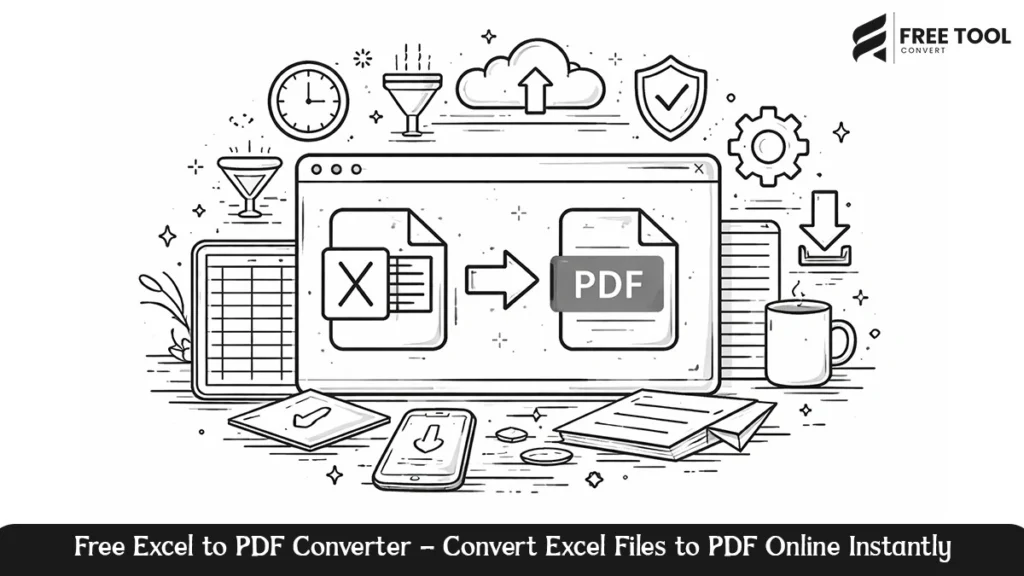
Free Excel to PDF Converter: Excel files maintain a lot of data management, calculations, financial reports, and business records. Although Excel is very flexible for editing and analysis, it is not always the best format in which to share, print, or professionally present data. Problems with formatting, compatibility, and accidental edits may compromise data integrity. Free Tool Convert Excel to PDF Converter: It is an easy, fast, and safe way to convert Excel to high-quality PDF-formatted documents online. Whether it’s for reports, invoices, data tables, or even simple documents made with spreadsheets, this tool ensures that your Excel content is converted into a clean, professional, and universally accessible PDF format. What Is an Excel to PDF Converter? “Excel to PDF converter” refers to an online software tool used to generate the conversion of spreadsheet files, like Excel or Excel XLXS, into portable documents, like PDF. Excel files are suited to editing or calculation purposes, but not PDFs: Excel-to-PDF transformations guarantee that data views conform to all devices and systems. Why use Excel to PDF Converter Online? There are several practical and professional reasons to convert Excel files to PDF format: 1. Consistent Formatting PDF files maintain all fonts, column widths, cell alignments, and page layouts, preventing formatting problems experienced with other formats. 2. Universal Compatibility PDF files can easily be opened on any device and operating system without the need to install any sort of spreadsheet application. 3. Professional Presentation PDFs can be used for business reporting, financial reporting, billing, and document writing. 4. Print-Ready PDF documents are optimized for printing. PDFs contain the necessary elements for printing. These elements include clean margins, scaling, and page numbers. 5. Data Protection PDF files minimize the possibilities of accidental modifications when working with data. Main Characteristics of Free Tool Convert Excel Files to PDF Online The Free Tool Convert Excel to PDF tool is intended to be easy to use, accurate, and efficient. Some of its main characteristics are: Quick Conversion from Excel to PDF Convert Excel spreadsheets to PDFs in an instant, no matter the size or if they have multiple sheets. Accurate Layout Preservation The tables, charts, formulas, or formatting in cells are all maintained. Online Secure Processing Data is processed in a secure manner and is not retained. A user’s privacy is protected in this way. Compatible with All Devices The converter is entirely web-based and supports all desktop, laptop, tablet, and smartphone devices. No Technical Skills Required The clean and intuitive interface ensures easy conversion of files from Excel to PDF. How to Convert Excel to PDF Online Using Free Tool Convert Excel to PDF conversion is easy and swift as: That way, no configuration or advanced settings are necessary; in that sense, it is efficient and user-friendly. Who Might Need the Services of an Excel to PDF Converter? Excel to PDF converter is very useful for the following users: Business Professionals Turn financial statements, invoices, budget information, and performance data into formal PDF reports. Accountants and Finance Teams Secure sharing of finalized spreadsheets without compromising changes. Students and Educators Submit the homework, reports, and data projects in a globally accepted form. Data Analysts Data that has been analyzed should always be presented in a permanent and shareable form to the stakeholders. Administrative Staff Use standard methods for storing and disseminating spreadsheets and other records. Advantages of Using Online Excel to PDF Converter Advantages of Using Online Excel to PDF Converter Using an online Excel to PDF converter has a number of advantages over the desktop version of the software. Free Tool Convert brings these advantages together in a single, efficient package. Typical Applications of Excel to PDF Conversion Below are the use cases that show the relevance of the Excel to PDF converter. Why Choose Free Tool Convert for the Excel to PDF Conversion? Free Tool Convert has an emphasis on speed, dependability, and ease of use. In contrast to complicated software and unreliable conversion tools, the conversion from Excel to PDF with Free Tool Convert has no complicated steps to take and nothing to install. Important benefits are Whether it be a single spreadsheet or a multi-sheet workbook, Free Tool Convert ensures trustworthy conversions. Conclusion The Free Tool Convert Excel to PDF Converter is an effective and efficient tool for converting Excel files into high-quality PDF files. With this tool, file sharing and presentations become simpler and more efficient due to its file compatibility and security features. Whether it is for professional use, academic, accounting, or data analysis, the process of saving your Excel files to PDF format will make it easy to print and archive. This is made easier by Free Tool Convert, an efficient and secure program that has a simple interface for easy Excel-to-PDF file conversion. Frequently Asked Questions – Free Excel to PDF Converter

Best PDF Compressor Online - Reduce PDF Size Online | Free Tool Convert
Blog

Best PDF Compressor Online – Reduce PDF Size Online | Free Tool Convert

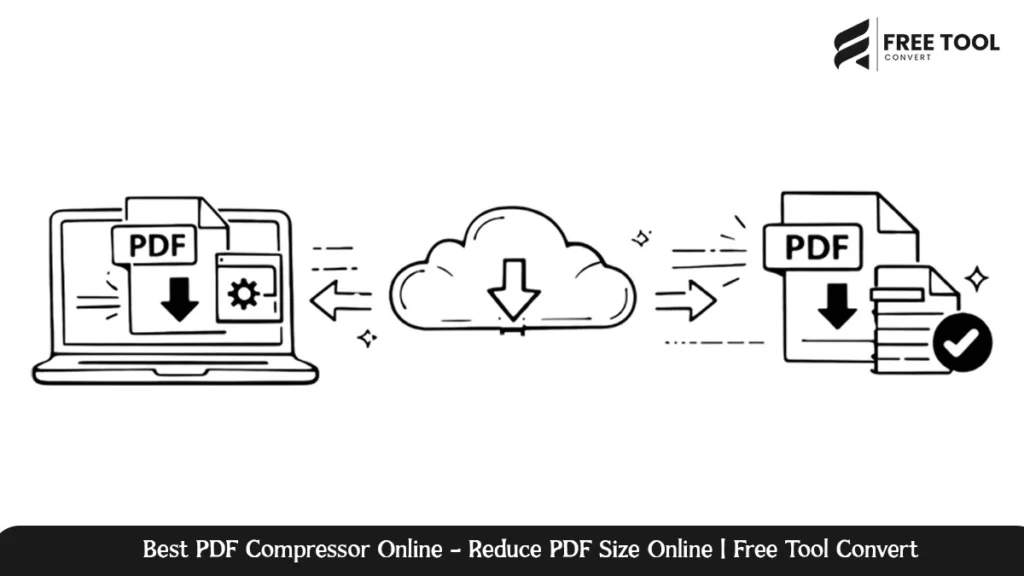
Best PDF Compressor Online: Large PDF files may lead to slow workflow processes and sharing complications, as well as the use of additional storage. Whether it’s the sharing of documents through emails or the uploading of files to portals, as well as the storage of archives. This is where the need for a good PDF compressor arises. PDF Compressor by Free Tool Convert is the best tool for quickly, safely, and effectively compressing PDF files online, reducing their size without affecting the quality. Meant for both personal and commercial use, this tool enables the user to compress PDF files from the browser itself, eliminating the need to download, register, or possess technical knowledge. In this in-depth tutorial, we have explained how the Free Tool Convert’s PDF Compressor functions, the features of this program, and why this tool is one of the best online PDF size reducer. How Does a Free PDF Compressor Work? PDF Compressor is a tool used for compressing PDF file size by optimizing the PDF files’ images, fonts, and internal structure. Usually, the size of the PDF file after the compression process becomes smaller than the original PDF file size. This makes the compressed PDF file easier to share and faster to download and takes up less storage space. When a high-quality PDF compressor is used, one can ensure that the resulting documents are professional in nature and their size is reduced without compromising their usability. The Free Tool Convert PDF Compressor is developed to achieve the best possible outcome in the compression process without altering the appearance and usability of your PDF files. Why Choose Free Tool Convert PDF Compressor? Free Tool Convert values functionality, usability, and data security, which are particularly important in working with important documents over the internet. 1. Intuitive Interface The application has an easy and intuitive interface. Upload your file in PDF format and compress it in one click. The compressed file can then be downloaded instantly. 2. No Software Installation PDF Compressor is purely an online tool. You do not need to install anything. 3. Fast PDF Compression Modern compression algorithms quickly compress PDF files without causing any delays. This is essential in reducing the file size. 4. Holds Document Quality The text readability, formatting, and organization are ensured for professional-level output. 5. Free and Accessible Reduce PDF documents online for free with no registration or subscription charges. Main Features of Free Tool Convert PDF Size Reducer Reduce PDF size Effectively Compress PDF files to a smaller size while remaining readable. High-Quality Compression Reduces file size and maintains image and text quality. Browser-Based Processing Works in your browser without needing to download and install. Compatibility Across Multiple Platforms Supports Windows, macOS, Linux, Android, and iOS devices. Secure File Handling The files are processed in a secure manner, with their automatic deletion after the compression process. How to Compress PDF files using Free Tool Convert Compressing a PDF file is quite simple and fast because of the following reasons: Who Should Use a PDF Compressor? Students & Educators Business People Legal & Financial Teams Freelancers & Makers Administrative & Government Offices The Pros of Compressing PDFs Online An online PDF compression tool, such as Free Tool Convert, has several advantages over conventional desktop applications: Why Free Tool Convert PDF Compressor Is a Smart Choice There are many online tools that advertise PDF compression capabilities, but Free Tool Convert is more concerned with providing an equitable service. What distinguishes it from others is that: Security and Privacy Assurance Free Tool Convert strictly adheres to data protection guidelines to ensure the security of users’ documents: Conclusion Free Tool Convert PDF Compressor is an efficient, secure, and easy-to-use online solution for shrinking your PDF files. Whether you want to send emails or upload files online, you can rely on this solution for fast results. Because of its browser-based functionality, excellent compression, and privacy-driven model, it is one of the finest free PDF compressors in the world. If you are looking for an effective method to compress your PDF files, Free Tool Convert PDF Compressor would be your ultimate solution. Frequently Asked Questions – Best PDF Compressor Online Compress Your PDF Files Quickly and Securely with Free Tool Convert PDF Compressor. Upload your PDF files now and optimize them in seconds without even registering.

Best PDF Merger Online – Merge PDF Files Free | Free Tool Convert
Blog

Best PDF Merger Online – Merge PDF Files Free | Free Tool Convert

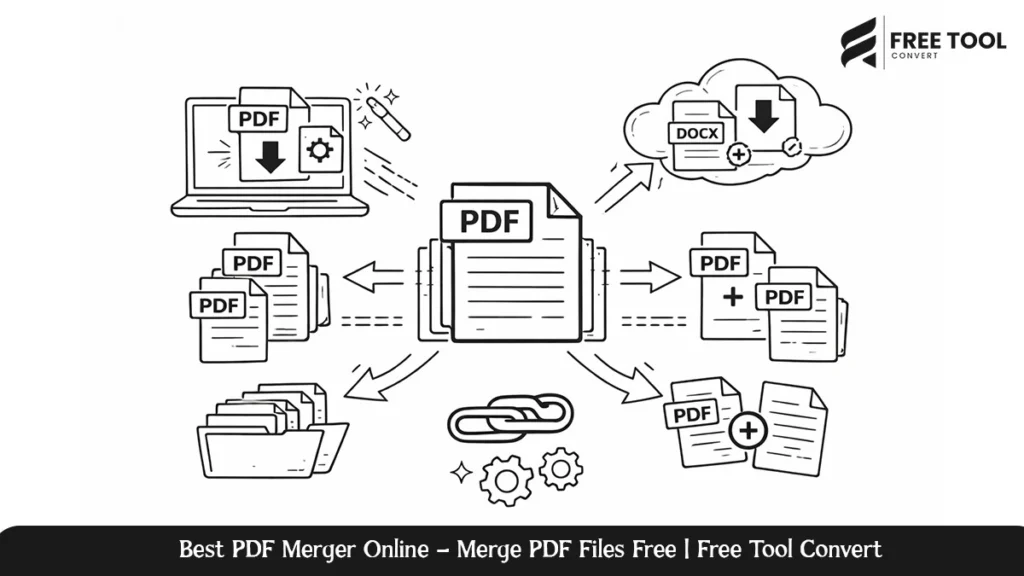
Best PDF Merger Online: Managing several PDFs at once might be quite inefficient, especially if the documents need to be shared, archived, or even reviewed as a single file. Whether you’re dealing with invoices, contracts, academic notes, reports, or even scanned documents, merging PDFs into one organized file is an indispensable case. Free Tool Convert’s PDF Merger Online is an efficient, easy, and secure way to combine your PDFs. No installation, no need for any technical know-how, and it enables the user enable merge PDFs in just seconds directly from the browser. It is designed to introduce the reader to how the Free Tool Convert PDF Merger works, the key features, their benefits, use cases, and why it is among the best PDF merging solutions found online today. What Is a PDF Merger? The PDF Merger is an online application designed to merge more than one PDF file into a single file. In this case, when one has many files, they should use the PDF Merger to merge all the PDF files into one file for easier storage. A professional PDF merger tool will prevent the formatting problems associated with other files and also save on storage space. Free Tool Convert PDF Merger is built with the aim of providing high-quality merged PDF while preserving the integrity of the documents being merged. Why Use Free Tool Convert Free PDF merger? Free Tool Convert is all about ease of use, speed, and privacy, which certainly make it one of the most practical tools to work with: 1. User-Friendly The PDF Merger has a clean and user-friendly interface. One can upload several PDF files, sort them in the desired order, and merge them in just a few clicks. 2. No Installation Required All the operations can be done entirely online. There will be no installation of any software or use of browser plugins. 3. Fast & Efficient PDF Processing Files are merged rapidly through optimized processing technology, even for large files or multiple PDF files. 4. Secure File Handling All uploaded files will go through secure processing and will automatically be deleted after the merge. User data will remain private. 5. Completely Free to Use You can easily merge your PDF files for free online without needing an account and without having to pay for a subscription. Main Features of Free Tool Convert PDF Merger Merge Multiple PDFs into One File Merge two or more PDF files into one, well-organized PDF. Drag-and-Drop File Ordering Arrange the uploaded documents systematically to easily manage the final output layout. Maintains Original Quality The resulting PDF file has preserved the text clarity and layout. Browser-Based Functionality Compatible with modern browsers without the need for additional software. Cross-Platform Compatibility Supports Windows, macOS, Linux, Android, and iOS devices. Combine PDF files Using Free Tool Convert—Step-by-Step Guide Combining PDFs is an easy process that takes just a few steps: Who Should Use a Free PDF Merger? Students and Educators Business Professionals Legal & Financial Teams Freelancers & Creators Administrative & Government Offices Benefits of Using an Secure PDF Merger There are several benefits of using an online PDF merger such as Free Tool Convert compared to using software or other solutions: These will make online PDF merging an ideal approach in contemporary document handling. Why Free Tool Convert PDF Merger Stands Out Many PDF tools have merging capabilities, but Free Tool Convert focuses on delivering a balanced solution that respects user experience and privacy. What makes it different: This makes it suitable for casual users as well as professionals seeking to achieve consistent high-quality results. Security & Privacy Assurance Free Tool Convert follows the most strict security standards to protect users’ data: This ensures that sensitive and confidential PDFs remain secure during the entire merging process. Conclusion Free Tool Convert PDF Merger is a secure, quick, and dependable way to merge your PDFs online. Be it business documents, academic files, legal paperwork, or even your personal PDFs, this tool will enable you to bring them together into one well-organized document. With its ease of use, high-performance processing, and privacy-oriented approach, it stands out from the rest as an exemplary free PDF merger utility that can be availed today. If you are looking for a simple yet powerful way to merge PDFs online, Free Tool Convert delivers exactly what you need. Frequently Asked Questions – Best PDF Merger Online Combine your PDF files quickly and securely with Free Tool Convert PDF Merger. Upload your documents now and create a single, professional PDF in seconds—no registration required.

Free PDF Splitter Tool - Split PDF Pages Instantly Online | Free Tool Converter
Blog

Free PDF Splitter Tool – Split PDF Pages Instantly Online | Free Tool Converter

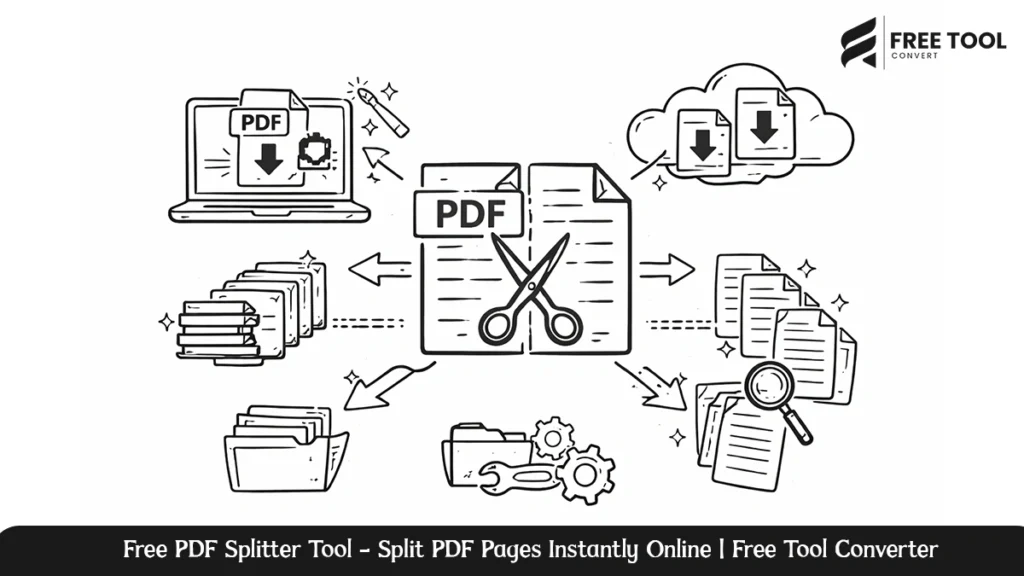
Free PDF Splitter Tool: Handling large PDF files could be a cumbersome process, especially when you are required to split only certain pages of it. This could be either a student wanting to split certain chapters from a book or a professional who needs to split some reports into separate files. The PDF Splitter from FreeTool Convert is created to split PDF files easily and quickly, and most importantly, absolutely hassle-free. With its clean interface and secure process, it facilitates the splitting of PDF files in a matter of seconds without the need for software installation and technical knowledge. This in-depth review talks about the FreeTool Convert PDF Splitter tool, its working, prime advantages, uses, and how this tool is the best PDF splitter offered on the internet. What Is a PDF Splitter? A PDF splitter is a web-based tool that helps you to split a single PDF file into more than one smaller PDF document. Using a PDF splitter, you are able to split PDFs on: You would not need to share or save large files in the form of PDF, and you would be able to handle documents more efficiently by taking only the desired pages. The FreeToolConvert PDF Splitter is designed to offer the functionality of PDF splitting while ensuring speed, accuracy, and the privacy of the data. Reasons for Using Free Tool Convert PDF Splitter FreeToolConvert’s PDF Splitter is unique in the sense that it concentrates on ease of use, speed, and security. This makes it the best tool for both commercial and personal purposes. 1. Simple & user-friendly interface. It’s easy to use. Upload your PDF, choose where you want to split it, and download it. That’s it! No learning curves or steps that aren’t necessary. 2. No Software Installation Necessary. The PDF Splitter is an entirely web-based tool. It is possible to split PDF files directly from your browser. This means that you are able to access it from your desktop computer, tablet, or Mobile. 3. High-Speed Processing. Large PDF files are handled efficiently with optimized cloud infrastructure. This saves time and thereby maximizes productivity. 4. Secure PDF Splitting. Files that are uploaded to the service are all securely processed, and the files are deleted from the server after processing to maintain total confidentiality of the data. 5. Free to Use. You can split PDF files on the web totally free of charge without registration or subscription.  Characteristics of Free Tool Convert PDF Splitter Split PDF by Page Range. Extract specific page ranges like pages 1 to 5 and 10 to 20 and generate new PDF files in an instant. Split PDF into Individual Pages. Split one PDF into multiple PDFs that only contain one page each. The process of extracting particular pages. Decide which pages you want to use and exclude unwanted pages from your final output. Browser-Based Processing. Downloads are not necessary; plugins are not necessary: simply upload and split. Cross-Platform Compatibility Compatible with Windows, macOS, Linux, Android, and iOS devices. How to Split PDF File Using Free Tool Convert Splitting the PDF file can be done in a few easy steps and takes only a few seconds: Who Can Benefit from a PDF Splitter? Students & Educators Business Professionals Legal & Compliance Teams Freelancers & Creators Government & Administrative Offices Benefits of Splitting PDFs Online There are several advantages of using the Online PDF Splitter over the desktop solution: FreeToolConvert provides all these benefits in one effective PDF splitter solution. Why Free Tool Convert PDF Splitter Is Better Than Other Multiple online applications claim to split PDF files, but none offer such a great combination of speed, safety, and user interface convenience as Free Tool Convert. Crucial differences are: It makes the software a reliable option for users seeking professional-standard PDF splitting without complications. About Privacy Privacy is the ability for individuals and communities to have strict data protection procedures: This promotes complete confidentiality, especially when it comes to sensitive or official PDF files. Conclusion The Free Tool Convert PDF Splitter is powerful, secure, and easy to use online. Whether you want to split PDF pages, divide big files, or manage your documents more effectively, this tool provides perfect results every time. Without installation, without costing anything, and without compromising on the security of your document, it becomes most ideal to decide for students, professionals, and businesses. If you are looking for a quick and trusted method to split PDF online, Free Tool Convert’s PDF Splitter may be the solution you can rely on. Frequently Asked Questions – Free PDF Splitter Tool Start splitting your PDF files now using Free Tool Convert PDF Splitter. Please upload your document now and enjoy quick and easy PDF splitting without having to register.

Free PDF to Word Converter: Convert PDF Files to Word Documents Online | Free Tool Conversion
Blog

Free PDF to Word Converter: Convert PDF Files to Word Documents Online | Free Tool Conversion

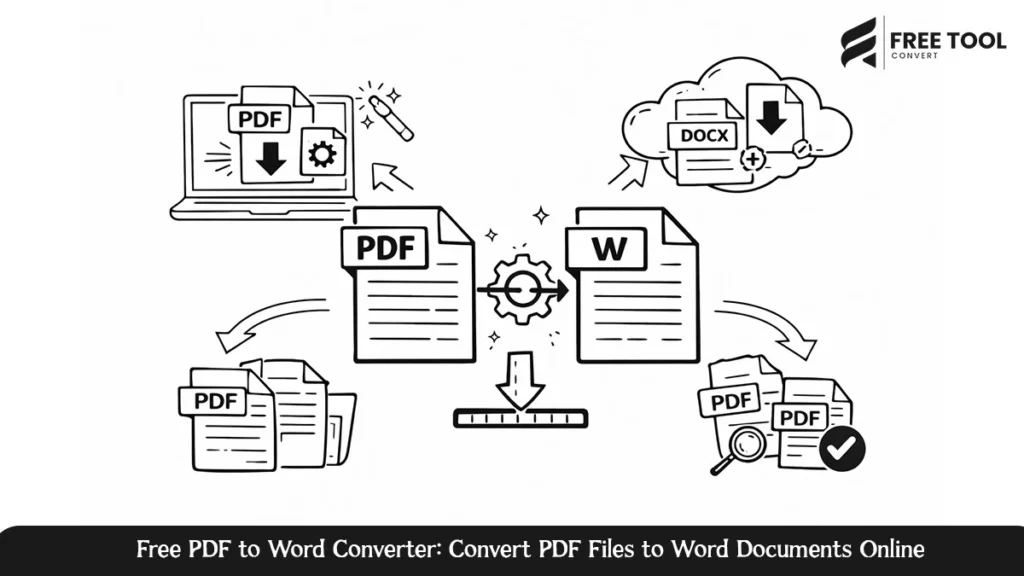
Free PDF to Word Converter: Converting PDFs to editable Word documents has become a fundamental requirement for students, professionals, organizations, and authors. One of the greatest advantages of PDFs is that they can be used for transferring secure data. However, editing these documents is not an easy process. This is where the importance of a PDF to Word converter is felt. With a powerful online tool for converting PDFs to Word documents on the FreeToolConvert website, users can change their static PDFs into fully editable Word documents. This e-book is set to provide a detailed explanation on how PDF to Word conversion is done, its importance, and tips on how to use online converters appropriately and exactly why our solution on FreeToolConvert is considered the best.  What Is a PDF to Word Converter? In computing, there are numerous. Online PDF to Word Converter is a computer application that has the ability to convert PDFs to Microsoft Word document formats, like DOC or DOCX. The principal aim of this process is to enable users to edit the converted text while retaining its original formatting and layout. Current online converters apply updated document processing and text recognition algorithms to reach high precision. With online tools, one does not need any software installation, and this makes converting faster and more convenient. Why Convert PDF to Word online? There are a number of practical reasons that would make somebody want to convert a PDF file into a Word document: With a reliable PDF to Word converter, rest assured that these can be done with no formatting errors or data loss. How the PDF to DOCX Converter on FreeTool Convert Works The PDF to Word Converter on FreeToolConvert is optimized for ease of use and speed. The procedure for converting files normally entails the following steps: There is no registration required, and the software does not need to be installed. Additionally, no technical knowledge is required. The program has a friendly user interface. Characteristics of the PDF to Word Converter  1. High Conversion Accuracy It keeps the original layout, fonts, images, and tables, and the resulting Word document will resemble the original PDF document to the greatest extent. 2. Fast Processing Speed Files are processed within seconds, even for huge PDFs, saving precious minutes. 3. No Installation Needed As a web application, this tool runs right in your browser without installing any other software. 4. Safe File Management All uploaded files are processed in a secure manner, which means that these files are not stored permanently. 5. Suitable for all devices The PDF to Word converter is compatible with desktop computers, laptops, tablets, and mobile phones, regardless of the operating systems they are based on. Who Should Use a PDF to Word Converter? This tool will prove most useful for the following users: In any given usage scenario, an effective PDF to Word conversion tool makes documentation more accessible. Benefits of Using an Online PDF to Word Converter Using an online PDF to Word converter brings many benefits compared to traditional software on your desktop: FreeToolConvert’s PDF to Word tool combines all these merits into one simplified solution. Best Practices for PDF to Word Conversion To obtain the best possible conversion results for PDF files, you should preferably employ an application: By following these approaches, the process of converting is smooth and hassle-free. Frequently Asked Questions – Editable Word Document from PDF Conclusion – Free PDF to Word Converter In the era of digitalization, the conversion of PDF files to Word has become an essential digital tool for people who frequently work with documents. It replaces the headache of manual typing and saves formatting by increasing productivity to a great extent. PDF to Word Converter from FreeToolConvert supports quick, safe, and precise transformation of PDF documents online into an editable file format. Whether one is a student, professional, or business person, utilizing a good online PDF to Word converter can save vital time by smoothing document workflow. Use this and turn your PDF into a completely editable Word document. Go ahead and access FreeToolConvert’s PDF to Word Converter, upload your PDF, and download your Word file instantly, fast, secure, and hassle-free.

Online Word to PDF Converter: Convert Word Documents to PDF Online with Accuracy | Free Tool Convert
Blog

Online Word to PDF Converter: Convert Word Documents to PDF Online with Accuracy | Free Tool Convert

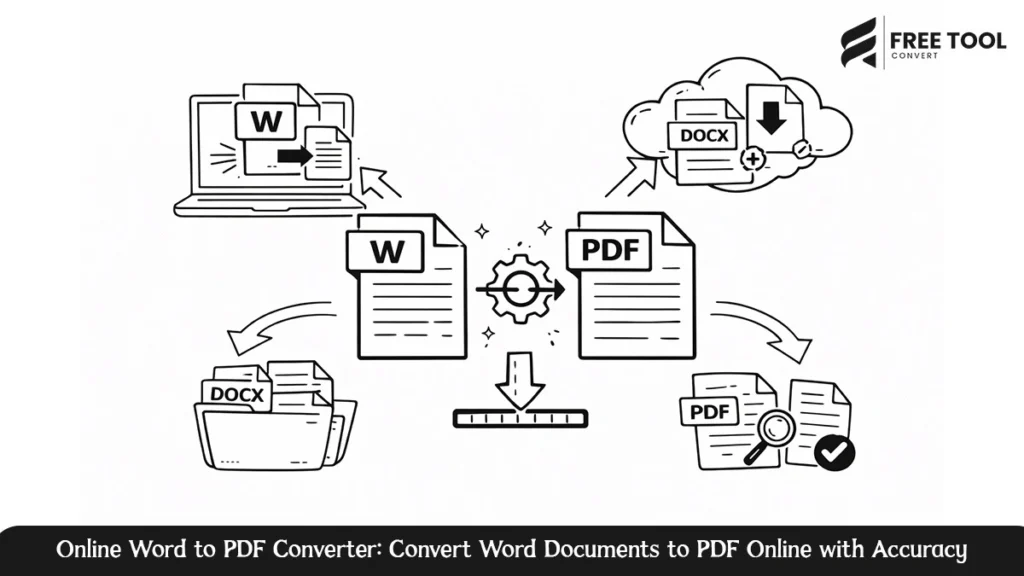
Online Word to PDF Converter: In today’s digital space, document compatibility and consistency are key. Microsoft Word files are great to edit, but for sharing, printing, or publishing, the PDF format is the global standard. That is why a Word-to-PDF converter has become an essential tool for students, professionals, businesses, and organizations. By using the Free Word to PDF converter on Free Tool Convert, you are able to instantly create high-quality PDF documents from your DOC or DOCX file while preserving formatting, layout, fonts, and images. The following tutorial will outline how to change Word to PDF, the benefits, best practices, frequently asked questions, and how this online converter is the most intelligent solution. What is a Word to PDF Converter? Word to PDF is a conversion application for Microsoft Word documents to Portable Document Files (DOC or DOCX to PDF). The goal of Microsoft Word to PDF conversion is to create a file that is consistent on all devices and platforms, regardless of their size or operating system. PDFs are popular for the following reasons: The online Word to PDF tool makes word to PDF conversion unnecessary to install any software, allowing easy access from any device. Why Convert Word Documents to PDF? Converting files from Word to PDF has many professional and other advantages: 1. Unified Formatting on Various Devices. Files in Word may look different depending on versions and fonts. In a PDF, the layout is fixed, meaning everything will look exactly the same. 2. Improved Document Security. PDFs are less likely to be edited accidentally and can be protected with passwords, making them the best choice for contracts and official documents like reports. 3. Professional Presentation. PDFs are considered to be the best format for resumes, bills, proposals, and contracts because of their clean look and fixed format. 4. Easy Sharing and Printing. PDFs are smaller in size and print-ready, and they are ideal for emailing or downloading. Functionality of the DOCX to PDF converter in Free Tool Convert The Free Word to PDF converter found on Free Tool Convert has been designed to be simple and efficient. The conversion requires just a few steps: No registration required, no installation necessary, and no technical know-how required. Characteristics of the DOCX to PDF Converter The conversion tool respects fonts, images, tables, spacing, and layout to ensure that it translates the Word document to PDF accurately with no alterations in its contents and layout. Fast and Efficient Processing Conversion of files takes place in a matter of seconds, even when dealing with bigger files. Browser-Based Tool The process is entirely online, thus ruling out problems with compatibility between operating systems. Secure file handling The files that are uploaded are processed in a secure manner, and they are all deleted after the process. This ensures that the data is secure. Multi-Device Compatibility It works perfectly with desktops, laptops, tablets, and smartphones. Who Can Benefit from a Word to PDF Converter The use of a Word to PDF converter is beneficial for a variety of users: No matter what the business or industry is, the conversion of Word files to PDF files ensures professionalism. Benefits of Utilizing an Online Free Word to PDF converter Opting for an online solution over desktop software has its advantages: Free Tool Convert’s Word to PDF conversion tool offers all these features in one integrated interface. Best Practices – Convert Word to PDF Online For optimal results while converting Word files to PDF: You could turn to an online conversion calculator that you know to be reliable to get adhering to these methods ensures a seamless conversion process. Frequently Asked Questions Conclusion Word to PDF converter is a crucial tool for document management systems. The tool helps to have uniform formatting, enhanced security, and a professional appearance. The DOCX to PDF converter by Free Tool Convert is a quick, secure, and reliable way of turning your Word files into top-notch PDF files. As a student, professional, or businessman, a Word to PDF converter makes your work easy and ensures that all related documents are always ready for sharing. Change your Word files to high-quality PDF files. Use the Free Word to PDF converter by Free Tool Convert to upload your Word file in DOC or DOCX format to get your PDF within minutes.

Scroll to Top