
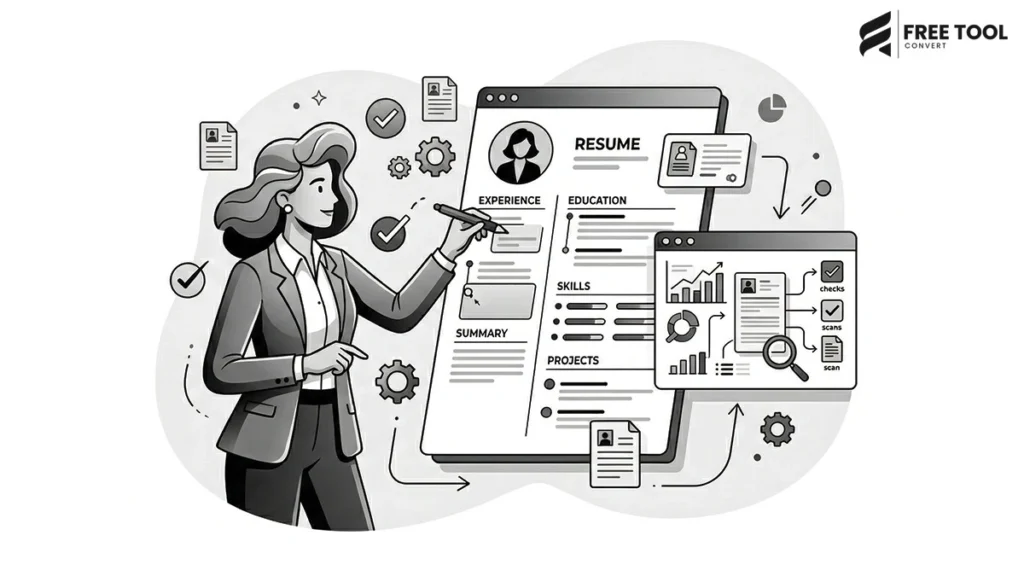
Introduction: Why an ATS Friendly Resume Matters in Today’s Job Market
ATS Friendly Resume in Minutes: In today’s highly competitive job market, having a well-designed resume is no longer enough. Recruiters and companies now use Applicant Tracking Systems (ATS) to scan, filter, and shortlist resumes before they even reach human eyes. This means your resume must not only look professional but also be optimized for ATS systems.
This is where a Free Resume Generator Tool becomes essential.
With FreeToolConvert’s Resume Generator, you can create a professional, ATS friendly resume in minutes without any design skills or technical knowledge. Whether you are a fresher, experienced professional, freelancer, or student, this free online resume builder helps you stand out and increase your chances of getting shortlisted.
Table of Contents
What Is an ATS Friendly Resume?
An ATS-friendly resume is a resume specifically designed to pass through applicant tracking systems used by companies during recruitment.
These systems scan resumes for:
- Keywords
- Skills
- Experience
- Job titles
- Formatting
If your resume is not ATS-compatible, it may get rejected before a recruiter even sees it.
Using a free ATS resume generator, you can ensure your resume is properly structured, keyword-optimized, and readable by both machines and humans.
Why Use a Free Resume Generator?
Creating a resume manually can be time-consuming and confusing. A free online resume builder simplifies the process.
Key Benefits:
1. Saves Time
Create a resume in minutes instead of hours.
2. ATS Optimization
Automatically structured for ATS systems.
3. Professional Templates
Pre-designed layouts used by recruiters.
4. Easy Customization
Edit sections, fonts, and formatting easily.
5. No Design Skills Needed
Everything is automated.
6. Free to Use
No subscription or hidden charges.
Why Choose FreeToolConvert Resume Generator?
FreeToolConvert’s Resume Generator offers:
- 100% free resume creation
- ATS-friendly templates
- One-click PDF download
- Clean and modern layouts
- Real-time formatting
- No watermark
- Secure and private usage
- Mobile-friendly interface
It is one of the best tools to create a professional resume online free.
How to Create a Professional Resume in Minutes (Step-by-Step Guide)
Using FreeToolConvert is simple:
Step 1: Choose a Template
Select a clean, ATS-friendly resume template.
Step 2: Enter Personal Details
Add your name, contact info, and professional summary.
Step 3: Add Work Experience
Include job roles, responsibilities, and achievements.
Step 4: Add Skills & Education
Mention relevant skills and qualifications.
Step 5: Customize Design
Adjust layout, fonts, and sections.
Step 6: Download Resume
Export your resume as a PDF instantly.
Key Sections of an ATS Friendly Resume
A professional resume must include the following:
1. Contact Information
- Name
- Phone number
- LinkedIn profile
2. Professional Summary
A short introduction highlighting your expertise.
3. Skills Section
Include job-relevant keywords.
4. Work Experience
List roles, responsibilities, and achievements.
5. Education
Include degrees and certifications.
6. Additional Sections
- Projects
- Certifications
- Languages
- Awards
Top Keywords for ATS Resume Optimization
To pass ATS filters, include high-ranking keywords such as the following:
- Resume builder free
- ATS-friendly resume
- Professional resume template
- Create resume online
- Job-winning resume
- Resume generator free
- Best resume builder
- Resume format for freshers
- Resume for job application
FreeToolConvert helps integrate these naturally.
Best Practices for Creating an ATS Resume
Follow these expert tips:
1. Use Simple Formatting
Avoid complex designs and graphics.
2. Include Keywords
Match job description keywords.
3. Use Standard Headings
Use headings like “Experience,” “Skills,” and “Education.”
4. Avoid Images & Icons
ATS systems cannot read them.
5. Use Bullet Points
Make content easy to scan.
6. Keep It Concise
1–2 pages maximum.
Resume Generator for Freshers
Freshers can use FreeToolConvert to:
- Create resumes without experience
- Highlight skills and projects
- Add internships
- Use clean templates
A strong resume increases job chances.
Resume Generator for Experienced Professionals
Professionals can:
- Showcase achievements
- Add detailed experience
- Optimize for promotions
- Switch careers effectively
Resume Generator for Freelancers
Freelancers can:
- Highlight projects
- Showcase portfolio
- Add client work
- Create professional profiles
Resume Generator for Students
Students can:
- Create internship resumes
- Add academic projects
- Highlight skills
- Apply for entry-level jobs
Common Resume Mistakes to Avoid
- Using outdated formats
- Adding irrelevant information
- Spelling and grammar errors
- Overloading with text
- Missing keywords
- Poor formatting
Always review before submitting.
SEO Benefits of a Structured Resume
While resumes are not traditional SEO assets, structured resumes:
- Improve visibility in job portals
- Increase recruiter search matches
- Enhance keyword relevance
- Improve digital profile ranking
Resume Generator vs Manual Resume Creation
| Resume Generator | Manual Resume |
| Fast & automated | Time-consuming |
| ATS-friendly | Risk of rejection |
| Professional templates | Basic formatting |
| Easy customization | Difficult editing |
Using a resume generator is more efficient.
Mobile Resume Creation
FreeToolConvert allows the following:
- Resume creation on mobile
- Easy editing
- Instant download
- Sharing via email
Perfect for on-the-go users.
Advanced Features of FreeToolConvert Resume Generator
- Real-time preview
- Auto-formatting
- Custom sections
- Multiple templates
- PDF export
- Cloud-based processing
Future of Resume Building
With AI and automation:
- Smart resume suggestions
- Keyword optimization
- Job-specific tailoring
- AI-generated summaries
Resume creation is becoming smarter.
Security & Privacy
FreeToolConvert ensures:
- Secure data handling
- No data storage
- Encrypted processing
- Safe usage
Your information remains private.
Conclusion
Creating a professional ATS-friendly resume is no longer complicated. With tools like FreeToolConvert Resume Generator, you can build a job-winning resume in minutes — completely free.
From freshers to experienced professionals, having a well-structured, keyword-optimized resume significantly increases your chances of getting shortlisted. In a world where ATS systems filter applications, using the right resume builder is essential.
If you want to stand out, get noticed, and land your dream job—start building your resume today with a trusted free tool.
Frequently Asked Questions (FAQs)
1. What is an ATS-friendly resume?
A resume optimized for Applicant Tracking Systems.
2. Is FreeToolConvert Resume Generator free?
Yes, it is completely free.
3. Can I download my resume as PDF?
Yes, one-click PDF download is available.
4. How long should a resume be?
1–2 pages maximum.
5. Can I edit my resume later?
Yes, you can update anytime.
6. Is my data secure?
Yes, all data is protected and not stored.
Create Your Resume in Minutes
Ready to build your professional resume?
👉 Open FreeToolConvert Resume Generator
👉 Choose a template
👉 Enter your details
👉 Download your ATS-friendly resume instantly
Start creating your job-winning resume for free today and take the next step in your career!