
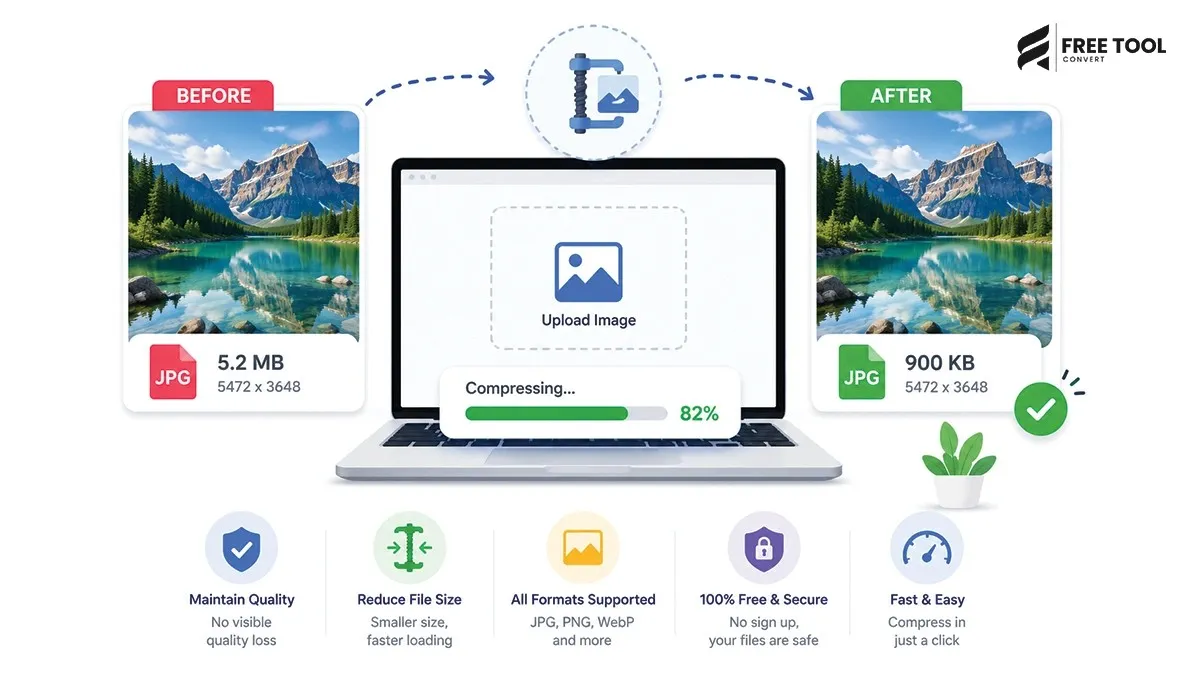
Reduce Image Size Without Losing Quality: Images are essential for websites, social media, eCommerce, and digital content. However, large image files can slow down your website, affect SEO rankings, and create a poor user experience.
The challenge is clear:
How do you reduce image size without losing quality?
This is where a free image compressor tool becomes indispensable.
With FreeToolConvert’s Image Compressor, you can reduce image file size while maintaining high visual quality — quickly, securely, and completely free.
Table of Contents
What Does “Reduce Image Size Without Losing Quality” Mean?
Reducing image size without losing quality means:
- Compressing file size
- Maintaining sharpness
- Preserving colors and details
- Keeping resolution intact
A good tool balances compression and quality effectively.
Why Image Files Become Large
Understanding this helps optimize better:
High Resolution Images
Large dimensions increase file size.
Uncompressed Formats
PNG and RAW files are heavier.
Excess Metadata
Camera data increases size.
Poor Export Settings
Images saved without optimization are bulky.
Why Use a Free Image Compressor Tool?
Using a free online image compressor offers:
- Instant size reduction
- No installation required
- Fast processing
- Easy drag-and-drop
- High-quality output
- Works on all devices
Why Choose FreeToolConvert Image Compressor?
FreeToolConvert Image Compression Tool provides:
- 100% free usage
- Smart compression technology
- Maintains image quality
- Supports JPG, PNG, WebP
- Fast cloud-based processing
- No watermark
- Secure file handling
- Mobile-friendly interface
How to Reduce Image Size Without Losing Quality (Step-by-Step)
Step 1: Open Image Compressor
Access FreeToolConvert tool.
Step 2: Upload Your Image
Drag and drop or select file.
Step 3: Choose Compression Level
Select high-quality compression.
Step 4: Click Compress
The tool optimizes your image instantly.
Step 5: Download Optimized Image
Get a smaller file with the same quality.
Types of Image Compression
Lossless Compression
- No quality loss
- Slight size reduction
- Best for logos and graphics
Lossy Compression
- Slight quality reduction
- Maximum size reduction
- Best for photos
FreeToolConvert uses smart balance for best results.
Best Image Formats for Compression
- Best for photos
- Small file size
PNG
- Best for graphics
- Larger size
WebP
- Best for web optimization
- Smallest size with high quality
Benefits of Reducing Image Size
Faster Website Speed
Improves loading time.
Better SEO Rankings
Page speed is a ranking factor.
Reduced Storage Usage
Save space on servers and devices.
Improved User Experience
Faster loading keeps users engaged.
Image Compression for Different Users
Bloggers
- Optimize images for SEO
- Improve page speed
eCommerce
- Faster product image loading
- Better conversions
Designers
- Maintain quality
- Share files easily
Social Media Users
- Upload faster
- Reduce data usage
SEO Benefits of Image Optimization
Faster Load Time
Improves rankings.
Better Core Web Vitals
Enhances LCP score.
Reduced Bounce Rate
Users stay longer.
Mobile Optimization
Faster performance on mobile devices.
Best Practices for Image Compression
- Use WebP format when possible
- Resize images before uploading
- Avoid over-compression
- Use high-quality compression tools
- Optimize images for web
Common Mistakes to Avoid
- Over-compressing images
- Using wrong format
- Ignoring resolution
- Uploading unoptimized images
Image Compression vs Resizing
| Compression | Resizing |
| Reduces file size | Changes dimensions |
| Keeps resolution | May reduce quality |
| Improves performance | Affects display size |
Mobile-Friendly Image Compression
FreeToolConvert allows:
- Compress images on mobile
- Instant download
- No app required
Security & Privacy
FreeToolConvert ensures:
- Secure encryption
- No data storage
- Automatic file deletion
- Safe cloud processing
Advanced Features of FreeToolConvert
- Smart compression algorithm
- Batch processing (if available)
- Fast servers
- Clean UI
- Cross-device compatibility
Future of Image Optimization
With AI advancements:
- Smart compression
- Automatic format selection
- Real-time optimization
- AI-based resizing
Conclusion
Reducing image size without losing quality is essential for performance, SEO, and user experience.
With FreeToolConvert Image Compressor, you can optimize images instantly while maintaining clarity and sharpness — completely free.
If you want faster websites, better SEO, and optimized images — start using a free image compressor today.
Frequently Asked Questions
Can I reduce image size without losing quality?
Yes, using advanced compression tools.
Is FreeToolConvert Image Compressor free?
Yes, completely free.
Which format is best for compression?
WebP is the best option.
Does compression affect quality?
Minimal or no visible loss with good tools.
Can I use it on mobile?
Yes, fully compatible.
Is my data safe?
Yes, files are encrypted and deleted automatically.
Compress Images Instantly Without Losing Quality
Ready to optimize your images?
Open FreeToolConvert Image Compressor
Upload your image
Compress instantly
Download optimized file
Start using the free image compressor online today and make your images lighter, faster, and SEO-friendly!