
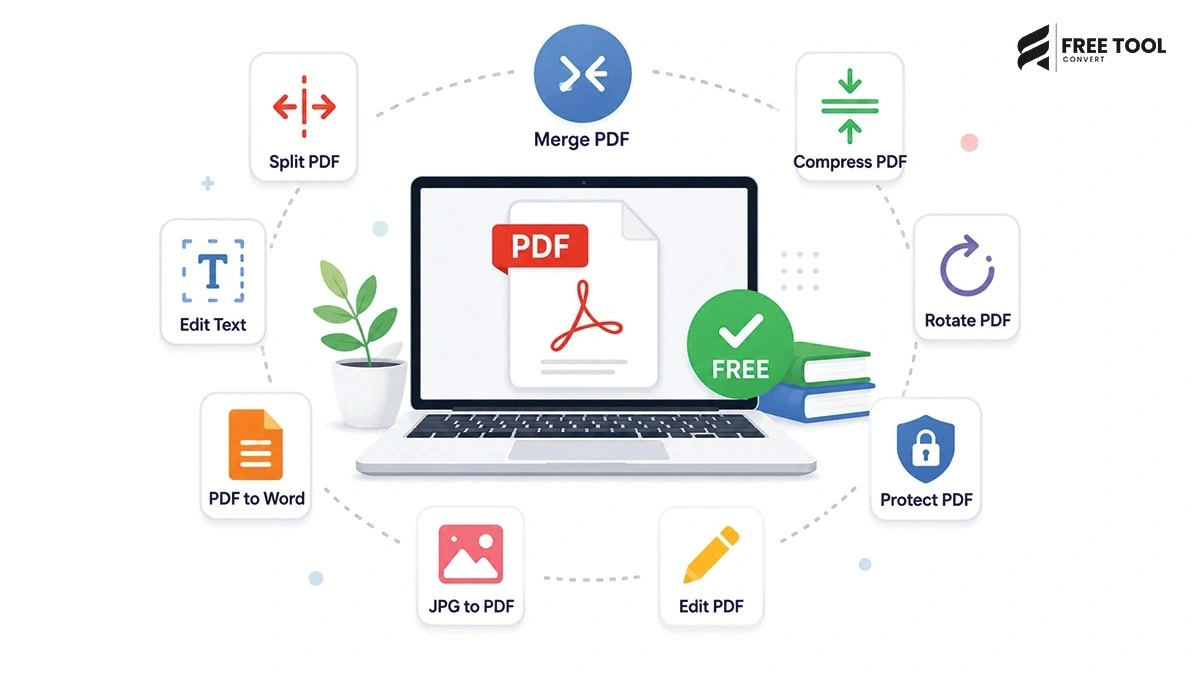
Best Free PDF Tools Online: PDF (Portable Document Format) has become the global standard for sharing documents. Whether you’re handling resumes, contracts, invoices, eBooks, or reports — PDFs ensure consistency across devices and platforms.
However, managing PDFs can be challenging without the right tools.
You may need to:
- Compress large PDF files
- Merge multiple documents
- Convert PDFs to Word, Excel, or images
- Edit or sign PDFs
- Split or organize pages
Instead of installing heavy software, you can now use free PDF tools online that are fast, secure, and accessible from anywhere.
With platforms like FreeToolConvert, you get a complete suite of PDF tools — all in one place, completely free.
What Are Free PDF Tools Online?
Free PDF tools are web-based applications that allow you to perform various PDF-related tasks directly in your browser.
These tools help you:
- Edit PDFs
- Convert files
- Compress documents
- Merge or split PDFs
- Add signatures
No installation. No hassle. Just instant results.
Why Use Online PDF Tools Instead of Software?
No Installation Required
Save storage space and avoid downloads.
Access Anywhere
Use on desktop, tablet, or mobile.
Fast Processing
Cloud-based tools work instantly.
Cost-Free
No subscriptions or hidden charges.
Easy to Use
Beginner-friendly interfaces.
Top Features of Free PDF Tools
Here are the most important features you should look for:
- PDF compression
- PDF merging & splitting
- File conversion (PDF to Word, JPG, etc.)
- Editing capabilities
- Digital signature support
- Secure file handling
- High-speed processing
Best Free PDF Tools Online (Complete List)
Let’s explore the most useful tools available:
PDF Compressor
Reduce file size without losing quality.
Benefits:
- Faster uploads
- Easy sharing
- Improved storage
PDF Merger
Combine multiple PDFs into one file.
Benefits:
- Organized documents
- Easy sharing
- Professional presentation
PDF Splitter
Split large PDFs into smaller files.
Benefits:
- Extract specific pages
- Manage large documents
PDF to Word Converter
Convert PDFs into editable Word documents.
Benefits:
- Easy editing
- Maintain formatting
Word to PDF Converter
Convert Word files into PDFs instantly.
Benefits:
- Secure documents
- Universal compatibility
PDF to JPG Converter
Convert PDF pages into images.
Benefits:
- Easy sharing
- Visual presentation
JPG to PDF Converter
Convert images into PDF files.
Benefits:
- Combine multiple images
- Create documents
PDF Editor
Edit text, images, and layouts.
Benefits:
- Modify documents easily
- Save time
PDF Unlock Tool
Remove password protection.
Benefits:
- Access restricted files
- Edit secured PDFs
PDF Sign Tool
Add digital signatures.
Benefits:
- Secure approvals
- Legal compliance
Why Choose FreeToolConvert for PDF Tools?
FreeToolConvert stands out because it offers:
- All PDF tools in one place
- 100% free usage
- No watermark
- Secure TLS encryption
- Fast cloud-based processing
- Mobile-friendly interface
- No signup required
It is one of the best platforms for free PDF tools online.
How to Use Free PDF Tools Online
Step 1: Choose a Tool
Select the required PDF tool.
Step 2: Upload File
Drag and drop your file.
Step 3: Process File
Click the action button (compress, convert, merge, etc.).
Step 4: Download Result
Save the processed file instantly.
Benefits of Using Free PDF Tools
Increased Productivity
Complete tasks faster.
Cost Savings
No need for paid software.
Convenience
Access tools anytime, anywhere.
High Efficiency
Handle multiple tasks easily.
SEO Benefits of Using PDF Tools
Faster Website Performance
Compressed PDFs improve load speed.
Better User Experience
Optimized documents enhance usability.
Increased Engagement
Interactive tools keep users longer.
Improved Rankings
Page speed and UX impact SEO.
Common Mistakes to Avoid
- Using unreliable tools
- Uploading sensitive files on insecure platforms
- Ignoring file quality
- Over-compressing documents
Best Practices for Using PDF Tools
- Always use secure tools
- Check output quality
- Keep original files as backup
- Choose correct tool for task
- Avoid unnecessary conversions
Mobile-Friendly PDF Tools
FreeToolConvert allows:
- Use on mobile devices
- Fast uploads and downloads
- No app installation
Security & Privacy
FreeToolConvert ensures:
- Secure encryption
- No data storage
- Automatic file deletion
- Safe cloud processing
Future of PDF Tools
With AI and automation:
- Smart editing
- Auto-formatting
- AI-based compression
- Advanced document analysis
Conclusion
Free PDF tools online have completely transformed how we manage documents. From compression and conversion to editing and merging — everything can now be done instantly without installing software.
With FreeToolConvert, you get a powerful, secure, and easy-to-use platform for all your PDF needs — completely free.
If you want to save time, improve productivity, and manage documents efficiently — using free PDF tools is the best choice.
Frequently Asked Questions
Are free PDF tools safe to use?
Yes, trusted platforms like FreeToolConvert use encryption and auto-delete files.
Can I use PDF tools on mobile?
Yes, they work on all devices.
Do free tools reduce quality?
No, good tools maintain quality.
Do I need to install software?
No, everything works online.
Are these tools really free?
Yes, FreeToolConvert offers 100% free tools.
Can I process multiple files?
Yes, most tools support batch processing.
Manage Your PDFs Effortlessly
Ready to simplify your document workflow?
Open FreeToolConvert
Choose your PDF tool
Upload your file
Get instant results
Start using the best free PDF tools online today and take control of your documents like a pro!