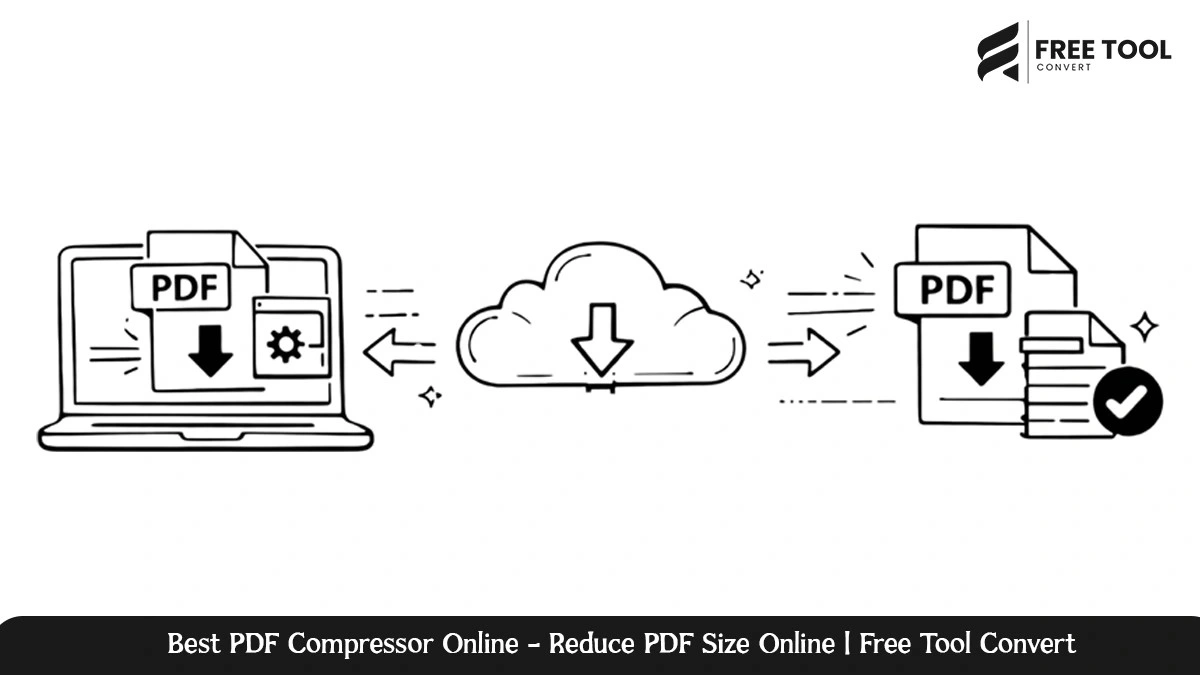
Best PDF Compressor Online: Large PDF files may lead to slow workflow processes and sharing complications, as well as the use of additional storage. Whether it’s the sharing of documents through emails or the uploading of files to portals, as well as the storage of archives. This is where the need for a good PDF compressor arises.
PDF Compressor by Free Tool Convert is the best tool for quickly, safely, and effectively compressing PDF files online, reducing their size without affecting the quality. Meant for both personal and commercial use, this tool enables the user to compress PDF files from the browser itself, eliminating the need to download, register, or possess technical knowledge.
In this in-depth tutorial, we have explained how the Free Tool Convert’s PDF Compressor functions, the features of this program, and why this tool is one of the best online PDF size reducer.
Table of Contents
How Does a Free PDF Compressor Work?
PDF Compressor is a tool used for compressing PDF file size by optimizing the PDF files’ images, fonts, and internal structure. Usually, the size of the PDF file after the compression process becomes smaller than the original PDF file size. This makes the compressed PDF file easier to share and faster to download and takes up less storage space.
When a high-quality PDF compressor is used, one can ensure that the resulting documents are professional in nature and their size is reduced without compromising their usability.
The Free Tool Convert PDF Compressor is developed to achieve the best possible outcome in the compression process without altering the appearance and usability of your PDF files.
Why Choose Free Tool Convert PDF Compressor?
Free Tool Convert values functionality, usability, and data security, which are particularly important in working with important documents over the internet.
1. Intuitive Interface
The application has an easy and intuitive interface. Upload your file in PDF format and compress it in one click. The compressed file can then be downloaded instantly.
2. No Software Installation
PDF Compressor is purely an online tool. You do not need to install anything.
3. Fast PDF Compression
Modern compression algorithms quickly compress PDF files without causing any delays. This is essential in reducing the file size.
4. Holds Document Quality
The text readability, formatting, and organization are ensured for professional-level output.
5. Free and Accessible
Reduce PDF documents online for free with no registration or subscription charges.
Main Features of Free Tool Convert PDF Size Reducer
Reduce PDF size Effectively
Compress PDF files to a smaller size while remaining readable.
High-Quality Compression
Reduces file size and maintains image and text quality.
Browser-Based Processing
Works in your browser without needing to download and install.
Compatibility Across Multiple Platforms
Supports Windows, macOS, Linux, Android, and iOS devices.
Secure File Handling
The files are processed in a secure manner, with their automatic deletion after the compression process.
How to Compress PDF files using Free Tool Convert
Compressing a PDF file is quite simple and fast because of the following reasons:
- Open the PDF Compressor page at Free Tool Convert
- Share Your PDF Document
- Click the “compress” button
- Wait a few seconds for processing
- Download the compressed PDF file
Who Should Use a PDF Compressor?
Students & Educators
- Reduce the file size of assignments and notes.
- Easily upload PDFs onto learning platforms.
- Share study materials without size limits.
Business People
- Compress reports and presentations.
- Easily send PDFs by email without attachment problems.
- Optimize documents to share with clients.
Legal & Financial Teams
- Compress contracts and compliance documents.
- Efficiently store large volumes of records.
Freelancers & Makers
- Optimize portfolios and proposals.
- Improve the speed of file delivery.
Administrative & Government Offices
- Reduce storage needs.
- Simplify document upload and archiving.
The Pros of Compressing PDFs Online
An online PDF compression tool, such as Free Tool Convert, has several advantages over conventional desktop applications:
- Requires no installation or updates.
- Access from any location or device.
- Quick uploading or downloading of documents.
- Lower email attachment problems.
- Enhanced efficiency in the management of documents.
Why Free Tool Convert PDF Compressor Is a Smart Choice
There are many online tools that advertise PDF compression capabilities, but Free Tool Convert is more concerned with providing an equitable service.
What distinguishes it from others is that:
- No watermarks added to compressed PDF files.
- No forced registration.
- The interface is simple and free.
- Functioning with large files reliably.
- Privacy and security norms.
Security and Privacy Assurance
Free Tool Convert strictly adheres to data protection guidelines to ensure the security of users’ documents:
- File transfer encryption
- Automatic deletion after processing
- Manual access to the uploaded files
- No storage or sharing of documents
Conclusion
Free Tool Convert PDF Compressor is an efficient, secure, and easy-to-use online solution for shrinking your PDF files. Whether you want to send emails or upload files online, you can rely on this solution for fast results.
Because of its browser-based functionality, excellent compression, and privacy-driven model, it is one of the finest free PDF compressors in the world. If you are looking for an effective method to compress your PDF files, Free Tool Convert PDF Compressor would be your ultimate solution.
Frequently Asked Questions – Best PDF Compressor Online
Is Free Tool Convert PDF Compressor free?
Yes, the software is completely free to use with no hidden charges.
Do I need to install software?
No. It is an entirely online PDF compressor in the browser.
Will the compressed document suffer from degradation in quality?
The utility is designed to preserve text readability and formatting even when minimizing file size.
Are there ways to compress the PDF file?
Indeed, it is able to process small PDF files as well as large ones efficiently.
Are my files secure?
Yes. All files are secured and deleted after they are compressed.
Can PDF Compressor be used on mobile devices?
Yes, it is compatible with smartphones and tablets.
Compress Your PDF Files Quickly and Securely with Free Tool Convert PDF Compressor. Upload your PDF files now and optimize them in seconds without even registering.