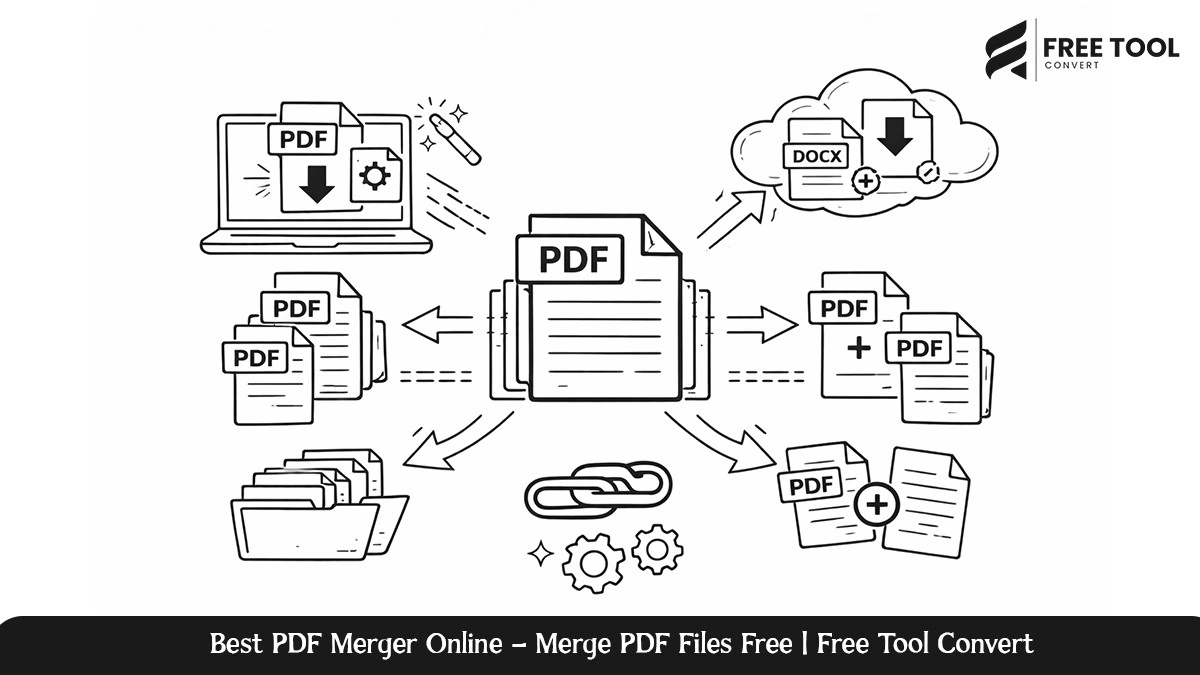
Best PDF Merger Online: Managing several PDFs at once might be quite inefficient, especially if the documents need to be shared, archived, or even reviewed as a single file. Whether you’re dealing with invoices, contracts, academic notes, reports, or even scanned documents, merging PDFs into one organized file is an indispensable case.
Free Tool Convert’s PDF Merger Online is an efficient, easy, and secure way to combine your PDFs. No installation, no need for any technical know-how, and it enables the user enable merge PDFs in just seconds directly from the browser.
It is designed to introduce the reader to how the Free Tool Convert PDF Merger works, the key features, their benefits, use cases, and why it is among the best PDF merging solutions found online today.
Table of Contents
What Is a PDF Merger?
The PDF Merger is an online application designed to merge more than one PDF file into a single file. In this case, when one has many files, they should use the PDF Merger to merge all the PDF files into one file for easier storage. A professional PDF merger tool will prevent the formatting problems associated with other files and also save on storage space.
Free Tool Convert PDF Merger is built with the aim of providing high-quality merged PDF while preserving the integrity of the documents being merged.
Why Use Free Tool Convert Free PDF merger?
Free Tool Convert is all about ease of use, speed, and privacy, which certainly make it one of the most practical tools to work with:
1. User-Friendly
The PDF Merger has a clean and user-friendly interface. One can upload several PDF files, sort them in the desired order, and merge them in just a few clicks.
2. No Installation Required
All the operations can be done entirely online. There will be no installation of any software or use of browser plugins.
3. Fast & Efficient PDF Processing
Files are merged rapidly through optimized processing technology, even for large files or multiple PDF files.
4. Secure File Handling
All uploaded files will go through secure processing and will automatically be deleted after the merge. User data will remain private.
5. Completely Free to Use
You can easily merge your PDF files for free online without needing an account and without having to pay for a subscription.
Main Features of Free Tool Convert PDF Merger
Merge Multiple PDFs into One File
Merge two or more PDF files into one, well-organized PDF.
Drag-and-Drop File Ordering
Arrange the uploaded documents systematically to easily manage the final output layout.
Maintains Original Quality
The resulting PDF file has preserved the text clarity and layout.
Browser-Based Functionality
Compatible with modern browsers without the need for additional software.
Cross-Platform Compatibility
Supports Windows, macOS, Linux, Android, and iOS devices.
Combine PDF files Using Free Tool Convert—Step-by-Step Guide
Combining PDFs is an easy process that takes just a few steps:
- Access the PDF Merger page at Free Tool Convert.
- Upload several PDF files.
- Organize files according to desired order.
- Click the “Merge” button.
- Download the merged PDF file.
Who Should Use a Free PDF Merger?
Students and Educators
- Mix lecture notes with assignments.
- Combine the study materials into one file.
- Provide organized academic PDFs.
Business Professionals
- Invoices, Reports, and Presentations.
- Production of standardized customer documents.
- Optimize internal documentation processes.
Legal & Financial Teams
- Combine contracts and agreements.
- Organize case files in an ordered manner.
- Enhance document compliance management.
Freelancers & Creators
- Integrate portfolios and proposals.
- Merge portfolios and proposals.
- Deliver professional documentation.
Administrative & Government Offices
- Consolidate official records.
- Reduce file fragmentation.
Benefits of Using an Secure PDF Merger
There are several benefits of using an online PDF merger such as Free Tool Convert compared to using software or other solutions:
- Requires no installation or updates.
- Immediate access irrespective of the location.
- Less system resources consumed.
- Faster Collaboration & Sharing.
- Secure cloud-based processing.
These will make online PDF merging an ideal approach in contemporary document handling.
Why Free Tool Convert PDF Merger Stands Out
Many PDF tools have merging capabilities, but Free Tool Convert focuses on delivering a balanced solution that respects user experience and privacy.
What makes it different:
- No watermarks on merged PDFs.
- No forced registration.
- Less advertisement and minimal distractions.
- Reliable performance with large files.
- Strong privacy practices.
This makes it suitable for casual users as well as professionals seeking to achieve consistent high-quality results.
Security & Privacy Assurance
Free Tool Convert follows the most strict security standards to protect users’ data:
- Encrypted file transfers.
- Automatic file deletion after processing.
- No file sharing or storage.
- No manual access to documents uploaded by users.
This ensures that sensitive and confidential PDFs remain secure during the entire merging process.
Conclusion
Free Tool Convert PDF Merger is a secure, quick, and dependable way to merge your PDFs online. Be it business documents, academic files, legal paperwork, or even your personal PDFs, this tool will enable you to bring them together into one well-organized document.
With its ease of use, high-performance processing, and privacy-oriented approach, it stands out from the rest as an exemplary free PDF merger utility that can be availed today. If you are looking for a simple yet powerful way to merge PDFs online, Free Tool Convert delivers exactly what you need.
Frequently Asked Questions – Best PDF Merger Online
Is Free Tool Convert PDF Merger a free service?
Yes, the PDF Merger is free. It does not charge any hidden fees.
Is there any software I have to install?
There is no installation needed. This tool is completely browser-based.
Can I join large PDF files?
Yes, it works very well and can handle many large PDF files.
Are my files safe?
Yes. All files are safely processed and deleted after merging.
Will the resulting PDF file have watermarks?
No. The final PDF merge will be watermarked.
Combine your PDF files quickly and securely with Free Tool Convert PDF Merger. Upload your documents now and create a single, professional PDF in seconds—no registration required.