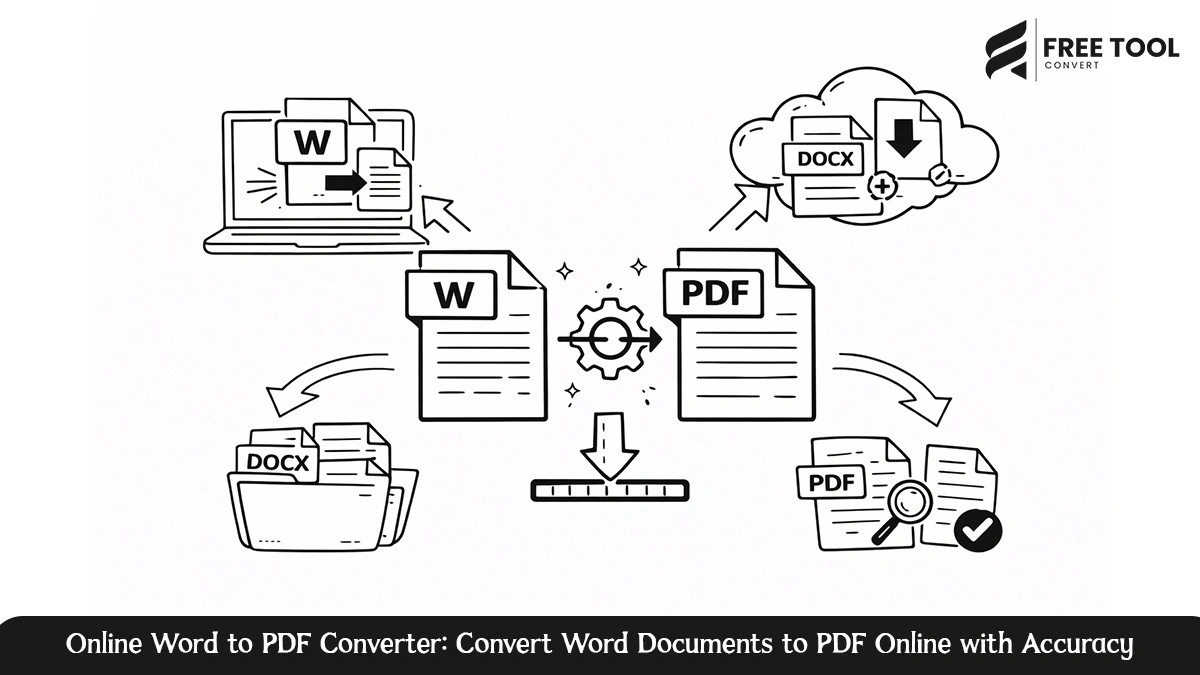
Online Word to PDF Converter: In today’s digital space, document compatibility and consistency are key. Microsoft Word files are great to edit, but for sharing, printing, or publishing, the PDF format is the global standard. That is why a Word-to-PDF converter has become an essential tool for students, professionals, businesses, and organizations.
By using the Free Word to PDF converter on Free Tool Convert, you are able to instantly create high-quality PDF documents from your DOC or DOCX file while preserving formatting, layout, fonts, and images. The following tutorial will outline how to change Word to PDF, the benefits, best practices, frequently asked questions, and how this online converter is the most intelligent solution.
Table of Contents
What is a Word to PDF Converter?
Word to PDF is a conversion application for Microsoft Word documents to Portable Document Files (DOC or DOCX to PDF). The goal of Microsoft Word to PDF conversion is to create a file that is consistent on all devices and platforms, regardless of their size or operating system.
PDFs are popular for the following reasons:
- Ensure that the format remains consistent.
- Prevent Unwanted Editing.
- Can be easily shared or printed.
- universally supported.
The online Word to PDF tool makes word to PDF conversion unnecessary to install any software, allowing easy access from any device.
Why Convert Word Documents to PDF?
Converting files from Word to PDF has many professional and other advantages:
1. Unified Formatting on Various Devices.
Files in Word may look different depending on versions and fonts. In a PDF, the layout is fixed, meaning everything will look exactly the same.
2. Improved Document Security.
PDFs are less likely to be edited accidentally and can be protected with passwords, making them the best choice for contracts and official documents like reports.
3. Professional Presentation.
PDFs are considered to be the best format for resumes, bills, proposals, and contracts because of their clean look and fixed format.
4. Easy Sharing and Printing.
PDFs are smaller in size and print-ready, and they are ideal for emailing or downloading.
Functionality of the DOCX to PDF converter in Free Tool Convert
The Free Word to PDF converter found on Free Tool Convert has been designed to be simple and efficient. The conversion requires just a few steps:
- Upload your Word document (.DOC or .DOCX) files.
- The software automatically processes the document.
- Instant download of the converted PDF file.
No registration required, no installation necessary, and no technical know-how required.
Characteristics of the DOCX to PDF Converter
The conversion tool respects fonts, images, tables, spacing, and layout to ensure that it translates the Word document to PDF accurately with no alterations in its contents and layout.
Fast and Efficient Processing
Conversion of files takes place in a matter of seconds, even when dealing with bigger files.
Browser-Based Tool
The process is entirely online, thus ruling out problems with compatibility between operating systems.
Secure file handling
The files that are uploaded are processed in a secure manner, and they are all deleted after the process. This ensures that the data is secure.
Multi-Device Compatibility
It works perfectly with desktops, laptops, tablets, and smartphones.
Who Can Benefit from a Word to PDF Converter
The use of a Word to PDF converter is beneficial for a variety of users:
- Students submitting assignments and projects.
- Professionals sharing reports, proposals, and presentations.
- Companies that create bills and documents.
- Human resource teams handing out resumes and offer letters.
- Teachers sharing content or notes.
No matter what the business or industry is, the conversion of Word files to PDF files ensures professionalism.
Benefits of Utilizing an Online Free Word to PDF converter
Opting for an online solution over desktop software has its advantages:
- The installation process does not require downloads.
- Compatible with all operating systems.
- Always up-to-date with the latest conversion technology.
- Reduces storage space.
- Faster workflow.
Free Tool Convert’s Word to PDF conversion tool offers all these features in one integrated interface.
Best Practices – Convert Word to PDF Online
For optimal results while converting Word files to PDF:
- Make sure fonts used in document are standard fonts or embedded.
- Open and view the Word file before conversion.
- Eliminate unnecessary animation or unsupported content.
You could turn to an online conversion calculator that you know to be reliable to get adhering to these methods ensures a seamless conversion process.
Frequently Asked Questions
Is the Word to PDF converter free to use?
Yes, the Word to PDF converter on Free Tool Convert is free without the need to register.
How will the text format remain the same?
Yes, this tool is meant for accurate preserving of layout, fonts, images, and tables.
Is my document safe while I’m converting it?
Yes, files are processed safely and are temporary to prevent the misuse of user privacy.
Is it possible to convert big Word files to PDF?
Yes, it can deal with large files efficaciously, based on file size restrictions.
What software will I need to install?
No installation required. The whole process of conversion is done online.
Conclusion
Word to PDF converter is a crucial tool for document management systems. The tool helps to have uniform formatting, enhanced security, and a professional appearance. The DOCX to PDF converter by Free Tool Convert is a quick, secure, and reliable way of turning your Word files into top-notch PDF files.
As a student, professional, or businessman, a Word to PDF converter makes your work easy and ensures that all related documents are always ready for sharing.
Change your Word files to high-quality PDF files. Use the Free Word to PDF converter by Free Tool Convert to upload your Word file in DOC or DOCX format to get your PDF within minutes.